Most IPTV Free Trials Are a Trap — Here’s How to Read One Correctly
You asked for an IPTV free trial. The provider sent you a login. You checked three channels, streams were fine, and you bought 50 credits.
Two weeks later, your customers are complaining about buffering during a premium sports event. You’re refunding people. The provider blames your router.
This is not a router problem.
This is what happens when operators skip structured trial evaluation and treat an IPTV free trial like a Netflix sign-up test. Trial access exists to expose infrastructure quality, not just confirm that streams load. If you’re running a IPTV reseller operation — even a small one — your free trial is your due diligence window. You have 6 to 48 hours, typically. What you check in that window determines whether your business survives the next broadcast spike.
This field guide covers exactly what to test, in what order, and what red flags to walk away from — before a single credit is spent.
What Your IPTV Free Trial Is Actually Measuring (It’s Not the Channels)
When most people request an IPTV free trial, they immediately scroll to channels. That’s the wrong starting point.
The channels are the surface layer. What you’re actually auditing is the infrastructure beneath them — load handling, server failover speed, HLS latency, and DNS resolution stability. A provider can show you 40,000 channels during a quiet Tuesday afternoon. They can also collapse under 500 concurrent connections on a Saturday match.
Three infrastructure signals every reseller must check during a free trial:
- Initial stream load time — Should be under 4 seconds on a stable fibre connection. Anything above 8 seconds during off-peak hours signals overloaded or underpowered edge servers.
- Buffer recovery behaviour — Deliberately disconnect and reconnect mid-stream. Does the stream resume cleanly within 3 seconds, or does it freeze and require a full restart? Fast recovery = proper HLS chunking. Slow recovery = single-origin serving with no redundancy.
- Simultaneous device handling — Test the same subscription on two devices at once. If the second connection kills the first, the provider hasn’t configured proper multi-connection support — a critical failure for family plan resellers.
Pro Tip: Run your IPTV free trial at three separate times: weekday off-peak (10am), weekday peak (7pm), and weekend afternoon. A provider who holds quality through all three windows is worth buying from. One who only performs well Tuesday morning at 10am is running on borrowed time.
Why ISP-Level Blocking Is Now the #1 Threat to Reseller Income
ISP enforcement has changed dramatically. In 2022, blocking was mostly DNS-based — simple to bypass with a custom DNS server or VPN. By 2026, AI-driven deep packet inspection (DPI) is being deployed by major ISPs to identify IPTV traffic patterns in real time, regardless of DNS settings.
This directly affects what you should be testing during your IPTV free trial.
What AI-driven ISP blocking looks like in practice:
- Streams work fine through mobile data but buffer or drop on home broadband
- Specific channels (usually premium sports streams) cut out only during live events
- VPN removes the issue entirely — confirming carrier-level throttling or block, not server failure
During your trial period, always test on the same connection your customers will use — not on a VPN, not on 4G. You’re testing their environment, not yours. If streams break on standard UK or US residential broadband but not on VPN, your provider lacks IP rotation or doesn’t use obfuscated delivery protocols.
A provider with back-up uplink servers and rotating CDN endpoints will be significantly more resilient to ISP-level blocking than one running a single origin stack. Ask explicitly before you commit credits: “Do you have back-up uplink servers and what’s your DPI evasion protocol?”
If they don’t know what DPI is, leave.
Comparing Cheap vs. Premium IPTV Infrastructure During Free Trial
| Test Criteria | Cheap Provider | Premium Provider |
|---|---|---|
| Stream load time (off-peak) | 6–12 seconds | Under 3 seconds |
| Failover on server drop | Manual — often 5–10 mins | Automatic — under 3 seconds |
| Back-up uplink servers | 0–1 | 3 or more |
| DPI/ISP blocking resilience | None | IP rotation + CDN obfuscation |
| EPG accuracy | 60–70% | 90–95%+ |
| Panel uptime SLA | No guarantee | 99.9% with documented history |
| Trial duration offered | 1–2 hours (controls what you see) | 6–48 hours (open testing window) |
| Response to trial support query | Hours or ignored | Under 30 minutes |
The trial duration itself is a tell. Providers who cap trials at 1–2 hours are limiting your exposure to peak-time performance. Providers who offer 24–48 hour IPTV free trials have confidence in their infrastructure across conditions.
How Resellers Should Structure Their IPTV Free Trial Evaluation
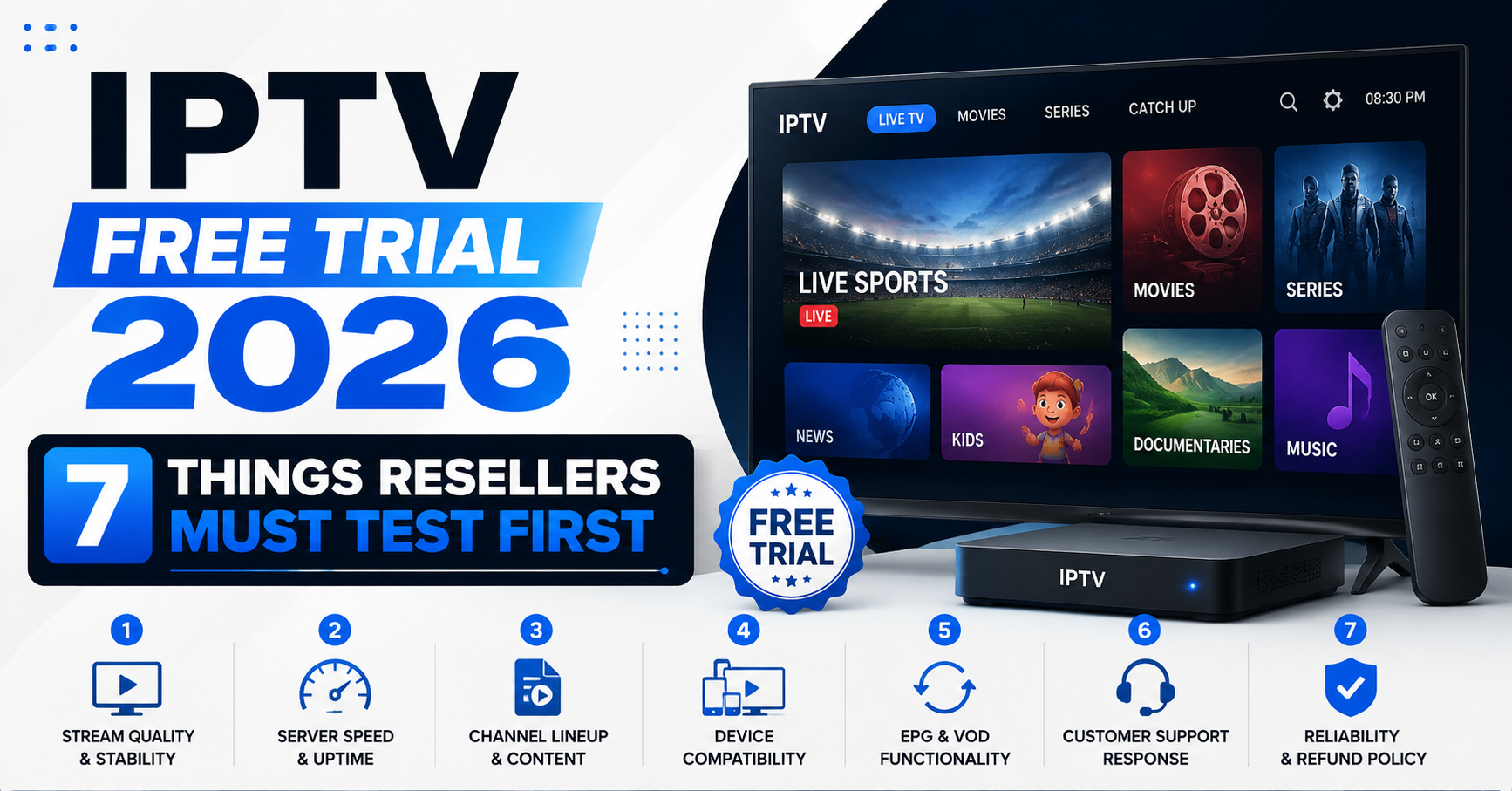
An unstructured trial wastes time and misses critical failure points. Treat your IPTV free trial like a technical audit. Here’s the exact sequence:
Hour 1: Baseline technical setup
- Connect via M3U or Xtream Codes (use the same format your customers will use)
- Test stream load time on 10 different channels across categories: general, news, sport, 4K
- Note any channels marked “live” that fail to load at all — dead channels in a trial are dead channels in production
Hour 2–4: Peak simulation
- Open 3 simultaneous streams (different devices or software players)
- Check CPU load on your media player — excessive buffering with low CPU = server-side issue
- Test a full premium sports stream for minimum 20 continuous minutes
Hour 5–12: Failover and DNS testing
- Force a DNS flush and reconnect — does the service restore cleanly?
- Test the same streams through a residential IP and through VPN — note any quality difference
- Submit one support query and measure response time — your customers will need this too
Hour 13–24: Panel and management audit
- If given panel access, create a test sub-account and activate/deactivate a trial line
- Confirm whether credits expire — a non-expiring credit model is significantly better for cash flow management
- Check EPG accuracy on 5 channels against actual broadcast schedule
The IPTV Free Trial Conversion Problem Most Resellers Ignore
Getting a free trial is step one. Converting that trial into a paying customer — or using it to qualify a supplier — is where most resellers lose money.
The churn psychology behind failed trials:
When you hand a customer a free trial and it buffers during their first live football match, they don’t contact you asking for support. They quietly disappear. You follow up three days later and they tell you they found something else. You’ve lost a customer whose entire lifetime value could have been £200–£400 in recurring subscriptions.
This is why the quality of the IPTV free trial you offer your own customers directly impacts your conversion rate and your long-term churn figure — not just your initial sales.
Pro Tip: When offering trials to your own customers, brief them before they test. Tell them: “Test it tonight around 7pm on the device you watch most. Put on a live channel and leave it running for 30 minutes. That’s the real test.” Customers who test correctly convert at much higher rates than those who open one channel and close the app.
Panel Credit Models: What to Check Before Your Trial Ends
Most resellers focus entirely on stream quality during a free trial and forget to audit the commercial infrastructure. This is a costly mistake.
Before your IPTV free trial expires, answer these questions:
- Do credits expire, or do they roll over indefinitely? Expiring credits are a hidden tax on low-volume resellers.
- Can you activate lines manually via the panel, or do you depend on the provider for every activation?
- What’s the panel uptime history? Ask for it. A provider who can’t tell you their uptime in the last 90 days has no SLA discipline.
- Is there a minimum credit purchase requirement? Entry-level resellers should look for panels with 30-credit starter packs to test market viability before scaling.
- Are there sub-reseller account tiers? If you plan to build a network, you need a panel that supports multiple reseller levels, not just a single customer management layer.
Panels like Autven — used by UK resellers on platforms such as UK IPTV Reseller Panel— offer no-expiry credits, which is a structural advantage for resellers managing fluctuating activation volumes without burning money on unused credit blocks.
Why Most IPTV Resellers Fail at Load Handling (And How to Spot It In the Trial)
Load handling is invisible when you’re the only viewer. It only becomes visible when 50 or 500 people are streaming simultaneously. This is the single biggest infrastructure failure point in IPTV reseller ecosystems — and it’s detectable during a structured IPTV free trial if you know what to look for.
Signs of poor load handling architecture:
- Streams that perform perfectly at 9am but break at 8pm — server capacity is not elastic
- Buffering that correlates with major sporting events or broadcast peaks globally
- No mention of load balancing in provider documentation or support conversations
- A single CDN endpoint — visible in stream URLs if M3U format exposes server IPs directly
Signs of strong load handling:
- Multiple server domains rotated in M3U playlist
- Sub-3-second failover when one endpoint is manually disrupted
- Provider can explain their back-up uplink server count when asked directly
- No performance degradation between your morning test and evening re-test
Pro Tip: Open your M3U file in a text editor during the trial. Count how many unique server domains appear across 20 channel entries. A single domain for all channels means no redundancy. Multiple domains (even if similar) indicate load-distributed delivery — a significantly more resilient architecture under concurrent viewer pressure.
Frequently Asked Questions
What should I check first during an IPTV free trial?
Start with stream load times and buffer recovery, not channel count. Open 10 channels across different categories and time how long each takes to load. Then disconnect mid-stream and check recovery speed. These two tests reveal more about infrastructure quality than browsing 1,000 channels ever will.
How long should an IPTV free trial last to be a proper test?
A minimum of 24 hours is needed for a meaningful test. Anything under 6 hours limits you to off-peak performance, which doesn’t represent what your customers will experience during prime-time or live event windows. Ask for a 24–48 hour IPTV free trial before committing to any credit purchase.
Can an IPTV free trial show me if a service will be blocked by my ISP?
Yes — if you test on a standard residential broadband connection rather than VPN or mobile data. If streams load fine on mobile data but buffer on home broadband, ISP-level throttling or DPI blocking is likely in play. A provider with IP rotation and back-up uplink servers will handle this far better than one running a single origin.
Is it safe to give my customers an IPTV free trial before they buy?
Yes, and it’s strategically smart. Customers who test before buying have lower churn rates because their expectations are calibrated to actual service quality. Brief them on what to test — specifically a live stream at peak time on their main device — so the trial is structured rather than random.
How do I know if a provider’s IPTV free trial is artificially limited?
Look at the trial duration offered and the conditions attached. Providers limiting trials to 1–2 hours, restricting access to premium sports channels, or offering trial lines that only work on certain apps are controlling your exposure to failure points. A confident provider with solid infrastructure offers an open 24–48 hour IPTV free trial with no channel restrictions.
As a reseller, how many credits should I buy after a successful free trial?
Start with a 30-credit starter pack if it’s your first time with that provider. This lets you test real-world customer feedback across multiple households before scaling. Only upgrade to larger credit bundles after your first 10–15 customers have used the service through at least one peak period without complaints.
What does EPG accuracy during a free trial tell me about a provider?
EPG (Electronic Programme Guide) accuracy during your IPTV free trial is a proxy for how much operational discipline the provider has. If the guide shows the wrong programme or is hours behind the actual schedule, it signals poor metadata management and often correlates with unstable channel sourcing. Aim for a provider with 90%+ EPG accuracy during your trial.
Why do some providers offer an IPTV free trial but then disappear after purchase?
This is a common pattern with under-resourced resellers who over-promise. A trial is cheap to support for one person; scaling to dozens of active customers exposes infrastructure and support gaps. Always test the support response during your trial — send a technical question and measure how fast and how accurately they reply. That’s your post-purchase support preview.
IPTV Reseller Success Checklist: Post-Trial Execution Steps
Before spending a single credit, confirm every item below is resolved:
- Tested stream load time on 10+ channels during peak evening hours (not just off-peak)
- Confirmed buffer recovery under 3 seconds after a forced disconnect mid-stream
- Verified multi-device handling — at least 2 simultaneous connections on one subscription
- Tested on residential broadband (not VPN) to expose real ISP-blocking conditions
- Asked the provider about back-up uplink server count and DPI evasion capability
- Checked M3U file for multiple server domains — single domain = no load redundancy
- Submitted a support query during the IPTV free trial and logged response time
- Audited panel structure — confirmed credit non-expiry, sub-account support, and uptime SLA
- Tested EPG accuracy against live broadcast schedule on at least 5 channels
- Started with starter credits only — never bulk-buy before 10 live customers confirm service quality
- Briefed first customers on how to test properly — peak time, primary device, 30-minute live stream
For structured reseller panel access with no-expiry credits, 3+ back-up uplink servers, and 99.9% uptime infrastructure, review the UK IPTV reseller plans at BritishSeller.co.uk before committing to any provider.