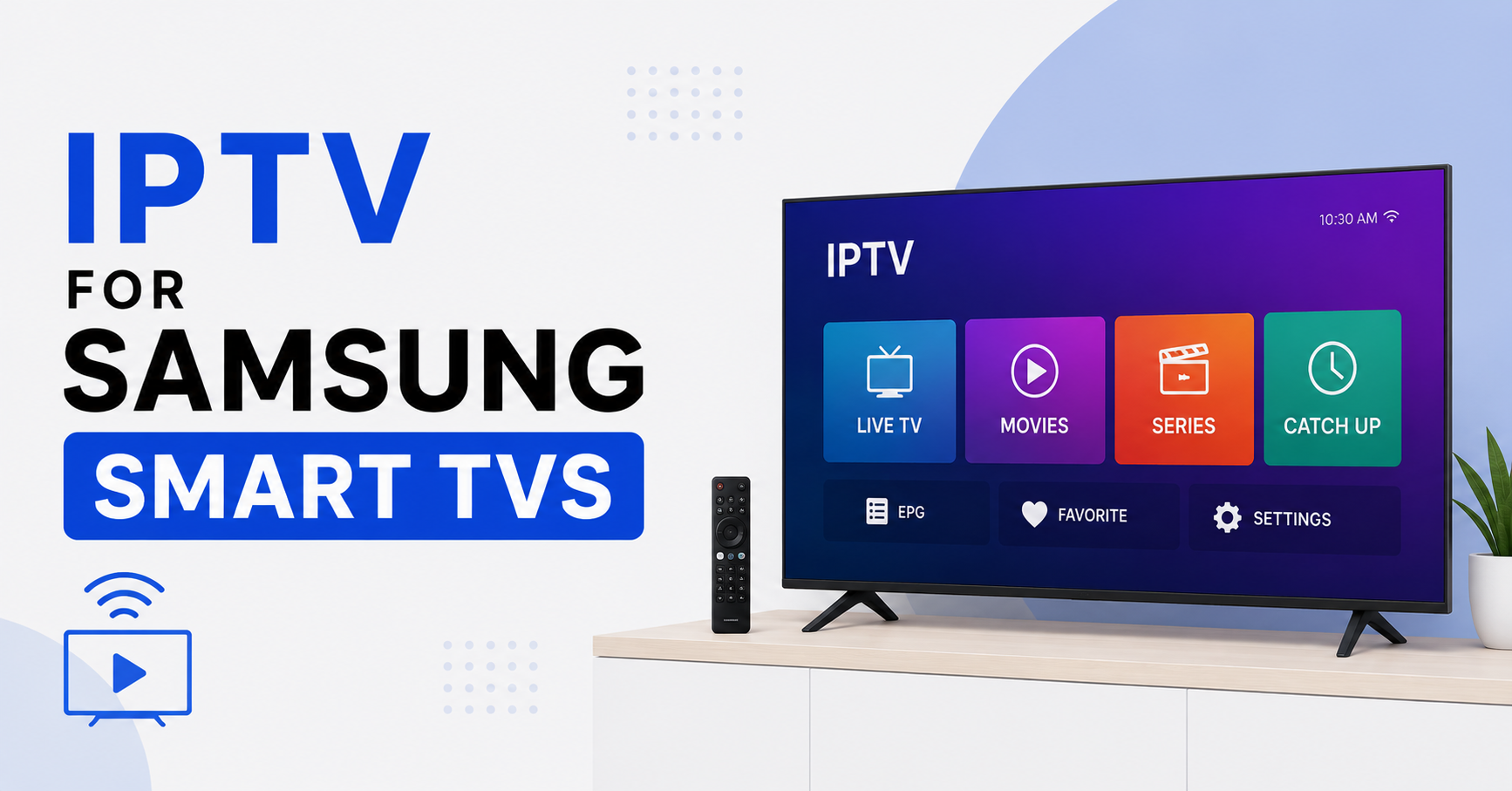
Most people buy a Samsung Smart TV expecting it to behave like every other streaming box they own. Then they try to load an IPTV service and hit a wall nobody warned them about: Samsung’s Tizen system does not let you sideload apps the way Android does. I have watched this single misunderstanding generate more support tickets than buffering, billing, and login problems combined.
So here is the short answer before anything else.
IPTV for Samsung Smart TVs works, but not by installing whatever app you want. Samsung runs Tizen, a closed operating system, which means you are limited to apps approved in Samsung’s own store. The reliable path is to use a Tizen-compatible player like Smart IPTV, IPTV Smarters, or Set IPTV, then feed it your provider’s M3U link or Xtream Codes login. If an app vanishes from the store or refuses your playlist, the problem is almost always Tizen restrictions or an expired activation, not your subscription.
That single distinction saves people hours. Once you accept that Samsung plays by its own rules, setup becomes predictable.
Why Samsung TVs Behave Differently From Everything Else
Android TV, Fire Stick, and most boxes let you install an APK from anywhere. Samsung deliberately does not. Tizen is sandboxed, curated, and Samsung removes apps from its store without warning when licensing or policy shifts.
I have seen an entire customer base panic overnight because Smart IPTV briefly disappeared from the regional store. Nothing was broken on the streaming side. Samsung had simply pulled the listing for that country. This is the core reality of running IPTV for Samsung Smart TVs: your access depends on a storefront you do not control.
That dependency shapes every decision below.
The Players That Actually Survive on Tizen
Not every app stays available, and the ones that do behave differently. Here is how the main options compare in practice.
| Player | Activation Model | Reliability | Best For |
|---|---|---|---|
| Smart IPTV (SIPTV) | One time fee after trial | High when in store | Long term home use |
| IPTV Smarters Pro | Free | Medium, listing varies | Xtream Codes logins |
| Set IPTV | One time fee | High | Simple M3U playlists |
| Net IPTV | One time fee | Medium | Backup option |
The honest takeaway is that you should never rely on a single app. Install at least two, because the one you depend on may not be in the store next month.
Pro Tip:
Before paying any app activation fee, load a free trial playlist first. If the player cannot read a basic M3U on your specific Tizen version, paying the activation will not fix it. Test compatibility before spending a cent.
Setting It Up Without the Usual Headaches
Here is the process that produces the fewest failures, in order.
- Open the Samsung App Store on your TV and search for your chosen player.
- Install it and note the device MAC address the app displays on first launch.
- On a computer, go to the app’s upload portal and enter that MAC address.
- Paste your provider’s M3U URL or Xtream Codes details into the portal.
- Save, then reload the app on the TV so it pulls the playlist.
The step people skip is writing down the MAC address correctly. One wrong character and the playlist never appears, and they blame the provider. After reviewing hundreds of these tickets, MAC entry errors are the single most common cause of a blank channel list.
Why It Buffers When the TV Seems Fine
Buffering on IPTV for Samsung Smart TVs rarely comes from the TV itself. Samsung hardware handles HLS streams comfortably. The weak points sit elsewhere.
Wi Fi is the usual culprit. Smart TVs often have weaker antennas than your phone, so a signal that looks fine on mobile struggles on the TV across the room. The second culprit is your ISP shaping or throttling video traffic during peak hours, something that has grown more aggressive as providers deploy traffic fingerprinting to identify streaming patterns.
Pro Tip:
Run an Ethernet cable to the TV before blaming anything else. In roughly seven out of ten buffering complaints I have handled, a wired connection ended the problem instantly. Wi Fi is convenient, not reliable, for continuous streaming.
A wired connection bypasses the most common failure point in one move.
What Resellers Need to Understand About Samsung Customers
If you run a UK IPTV reseller panel, Samsung users will shape your support load more than any other device group. They cannot sideload, so when an app leaves the store, every Samsung customer contacts you at once. A smart IPTV reseller plans for this instead of reacting to it.
The resellers who keep churn low do three things. They document the setup process with screenshots for each surviving Tizen app. They give customers a backup player recommendation up front. And they monitor the Samsung store regionally so they warn customers before an app disappears, not after.
Pro Tip:
As a panel owner, pre write a Samsung specific onboarding message. When a new credit reseller signs a Samsung customer, that message alone cuts first week tickets dramatically. Sub resellers who copy this approach report noticeably calmer support queues.
A reseller who treats Samsung as a special case, rather than just another device, retains those customers far longer. Panel credits spent on customers who churn in week one are wasted, and Samsung churn is almost always preventable with better onboarding.
The Activation Trap That Catches New Users
Most Tizen players use a one time activation tied to your TV’s MAC address. Replace the TV, and the activation does not transfer. People assume they paid for a subscription and feel cheated when a new set asks them to pay again.
This is not a scam. It is how the app licensing works on Tizen. The fee covers the app, not your IPTV service. Your actual subscription from your provider is entirely separate. Confusing these two is one of the most common mistakes both subscribers and new IPTV operators make when explaining costs.
Keeping Streams Stable During Big Events
Live sport is when everything gets tested at once. During a major match, thousands of users hit the same channels simultaneously, and any weakness in the chain shows immediately.
For subscribers, the fix is preparation: wire the TV, restart it an hour before kickoff, and have a backup player ready. For resellers, the real work happens on the infrastructure side, where load balancing across multiple sources and proper failover separate a stable IPTV reseller panel from one that collapses under pressure.
| Cheap Setup | Professional Setup |
|---|---|
| One streaming source | Multiple balanced sources |
| No failover | Automatic failover |
| Slows during big events | Holds steady under load |
| Reactive support | Proactive monitoring |
I have watched providers lose a quarter of their customers in a single weekend because their infrastructure buckled during one high profile event. Stability is not a luxury in this market. It is the entire product. Anyone serious about reliable IPTV for Samsung Smart TVs, whether subscriber or UK IPTV reseller, should treat a quality provider such as the panels listed at britishseller.co.uk as the foundation everything else rests on.
Frequently Asked Questions
Is IPTV for Samsung Smart TVs legal to use?
The apps themselves are legal players. Legality depends entirely on whether your IPTV subscription holds proper licensing for the content it delivers. Licensed services are fine; unauthorized ones are not. Always confirm your provider has the rights to the channels you are watching before subscribing.
Why did my IPTV app disappear from the Samsung store?
Samsung removes apps from its Tizen store when licensing or regional policy changes, often without notice. The app on your TV may keep working even after the listing vanishes. This is why having a second installed player matters, since reinstalling a removed app is not possible.
Do I need a subscription and an app payment separately?
Yes. Setting up IPTV for Samsung Smart TVs usually involves two separate costs: a one time app activation fee tied to your TV, and your ongoing subscription from your provider. The app fee never includes the actual streaming service, and the two are billed independently.
What is the most reliable IPTV player for Samsung TVs?
Smart IPTV and Set IPTV tend to be the most stable on Tizen, though availability shifts by region. Install two players rather than depending on one. The most reliable choice is whichever pairing stays in your regional store and reads your provider’s playlist cleanly.
As a reseller, how do I reduce Samsung support tickets?
Build a Samsung specific onboarding guide, recommend a backup player at signup, and monitor the regional store. A reseller panel that prepares customers before an app is removed sees far fewer panic tickets than one reacting after the fact. Prevention costs less than support.
Can I fix Samsung IPTV buffering without changing providers?
Often yes. Switch to a wired Ethernet connection, restart the TV before heavy viewing, and check whether your ISP throttles during peak hours. Most buffering blamed on the provider traces back to local Wi Fi or ISP shaping rather than the stream source itself.
Action Checklists
For subscribers:
- Use a Tizen approved player from the Samsung store, not a sideloaded app
- Write the MAC address down exactly when first launching the app
- Install a second backup player in case the first leaves the store
- Connect the TV by Ethernet before troubleshooting buffering
- Keep your app activation and subscription costs mentally separate
For resellers:
- Create a Samsung specific onboarding guide with screenshots
- Recommend a backup Tizen player to every Samsung customer at signup
- Monitor the regional Samsung store for app removals
- Build load balancing and failover into your reseller panel before big events
- Pre write a support message for when an app disappears
For sub resellers:
- Copy the panel owner’s Samsung onboarding message for your own customers
- Flag Samsung users in your records so you can warn them quickly
- Confirm each customer’s playlist reads before marking setup complete
- Track which Tizen apps stay available in your customers’ regions
Conclusion
IPTV for Samsung Smart TVs is not difficult once you stop fighting Tizen and start working with it. The whole game is accepting that Samsung controls the storefront, choosing a player that survives there, entering your MAC address correctly, and wiring the connection. For resellers, Samsung customers reward preparation more than any other group, and a panel built for stability turns those users into long term subscribers rather than week one churn.
The single lesson worth keeping: on Samsung, your weakest link is almost never the stream itself. It is the storefront you do not control and the Wi Fi you assumed was fine. Plan for both, and IPTV for Samsung Smart TVs becomes one of the most stable setups you can run.