IPTV EPG Not Loading Fix: Step by Step Guide 2026
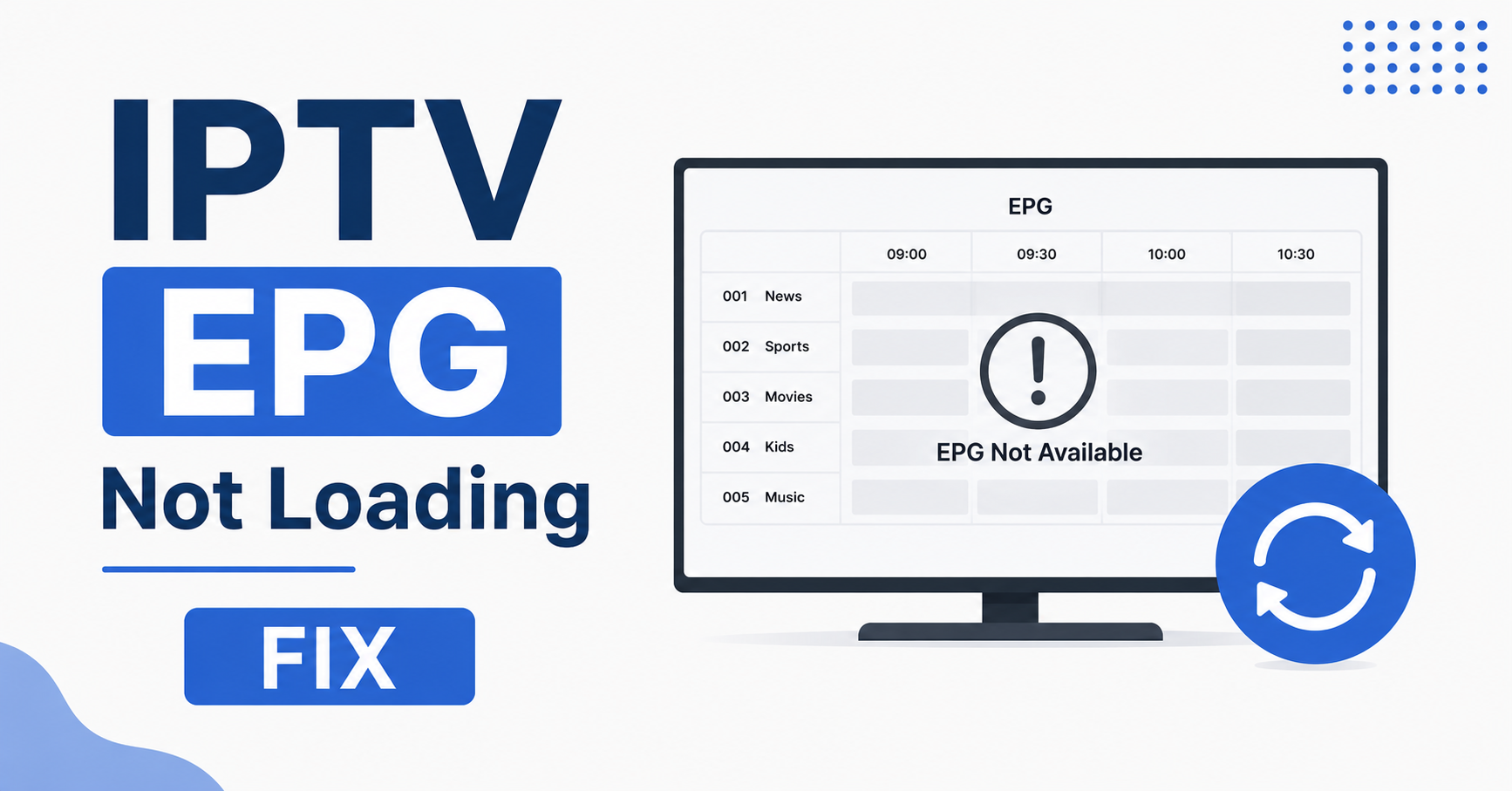
The fastest IPTV EPG not loading fix is to force a guide refresh inside your player, then check that your EPG URL or XMLTV source is correct and reachable. In most cases the guide is blank because the player cached an old or empty file, the EPG link expired, or your app is pointed at the wrong source. Clear the cache, re-enter or re-sync the EPG source, and reload. If that does not work, the problem is almost always upstream, meaning the source feeding your guide is down or your subscription line is not mapped to the correct EPG data.
That is the short version. The rest of this guide walks you through every cause, in plain language, so you can match your exact situation to the right fix instead of guessing.
What an EPG Actually Is and Why It Matters
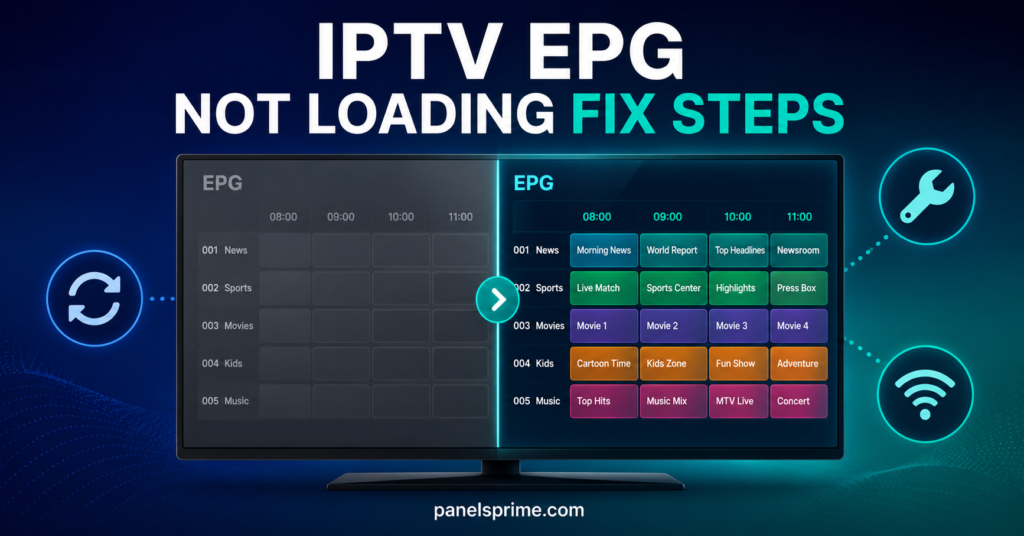
EPG stands for Electronic Program Guide. It is the on-screen grid that shows you what is playing now, what is on next, and the schedule for the hours ahead. Think of it as the little TV guide that used to come folded inside a newspaper, except it lives inside your app and updates itself. When it works, your setup feels like a proper set-top box. When it breaks, you are left staring at channel names with no idea what is on.
The guide data is separate from the video itself. Your channels can stream perfectly while the EPG sits completely blank, because the two travel on different paths. The video comes from one place, and the schedule comes from an XMLTV or EPG file hosted somewhere else. Understanding that split is the single most useful thing for any IPTV EPG not loading fix, because it tells you where to look.
Common Reasons Behind an IPTV EPG Not Loading Fix
Before you start tapping buttons, it helps to know what you are actually fighting. Most blank guides come down to a handful of repeat offenders, and once you recognise the pattern, the solution becomes obvious. Here is what usually causes the problem.
The guide failed to download fully, so the app shows nothing or shows yesterday’s data. The EPG source URL has expired or changed. Your player cached a broken file and keeps loading the broken version. The time zone or time offset is wrong, so the data exists but lines up against the wrong hours. Or the channel IDs in your playlist do not match the channel IDs in the EPG file, so the data has nowhere to land.
Cache and Memory Problems
Players store the guide locally so they do not re-download it every time you open the app. That is good for speed but bad when the stored copy is corrupt or empty. The app keeps serving the broken file instead of fetching a fresh one. A simple cache clear is the most common working IPTV EPG not loading fix because it forces the app to pull the guide again from scratch.
Expired or Wrong EPG Source URL
EPG links are not always permanent. Providers rotate them, retire old ones, or move the data to a new address. If you typed an EPG URL into your app months ago and the guide suddenly went blank, there is a strong chance that link no longer points anywhere. Re-confirming the current EPG source with your provider often solves it in one step. This matters even more if you run an IPTV reseller panel, because one stale source can blank the guide for every customer underneath you.
First Things to Try for an IPTV EPG Not Loading Fix
Start with the quick, low-effort steps before touching any settings. A surprising number of blank guides clear up with nothing more than a refresh and a restart, so there is no point rebuilding your whole configuration when the answer might take ten seconds.
Open your player and look for an EPG refresh, reload guide, or update EPG button. Trigger it and wait. The download can take anywhere from a few seconds to a couple of minutes depending on how large the guide is and how fast your connection runs. If nothing changes, fully close the app, not just minimise it, and reopen it. A clean restart forces many players to re-fetch the guide automatically.
Pro Tip: Give the EPG time to finish loading before you decide it has failed. A big guide covering thousands of channels can take up to two or three minutes to populate on a slower connection. Walk away, make a cup of tea, and check again. Half the “broken” guides are simply still downloading.
If the refresh and restart do nothing, the next move is clearing the app cache. The exact path differs per app, but you are looking for settings, then storage or cache, then clear. This wipes the broken stored file and forces a fresh pull. After clearing, reopen the app and trigger the guide refresh again. This two-step combination resolves the majority of cases and is the backbone of nearly every IPTV EPG not loading fix you will read about.
Device Specific Steps for an IPTV EPG Not Loading Fix
Different devices hide their settings in different places, and the steps that work on a Firestick are not identical to the ones on a Smart TV. The underlying logic stays the same, refresh, clear cache, re-check the source, but the menus look different. Below is a quick comparison so you can jump straight to your device type.
| Device Type | Where to Clear Cache | Quickest First Step |
|---|---|---|
| Firestick / Android Box | App settings, then storage, then clear cache | Force stop app, then reopen |
| Smart TV (Android based) | App info, then clear data | Restart TV from the plug |
| MAG / Set-Top Box | Settings, then system, then reset portal | Reboot the box fully |
Firestick and Android Box EPG Fix
These devices run full apps, so they cache aggressively. Head into the device settings, find applications, select your IPTV player, and clear the cache. Then relaunch and refresh the guide. If the guide is still blank, clearing the app data entirely will reset it to first-launch state, though you will need to re-enter your login or playlist afterwards. This heavier reset is the reliable IPTV EPG not loading fix when a simple cache wipe is not enough.
MAG and Set-Top Box EPG Fix
MAG style boxes work a little differently because they load a portal rather than a standalone app. Here the guide problem often sits with the portal itself. A full reboot of the box, pulling the power for ten seconds, forces it to reload the portal and re-request the EPG. If your portal address changed, the box will need the new one entered before the guide returns.
When the Problem Is Not on Your End
Sometimes you can clear every cache and re-enter every URL and the guide still refuses to load, because the fault sits upstream rather than on your device. This is frustrating but actually good news, since it means there is nothing wrong with your setup and the fix is out of your hands in the right way.
The EPG data is hosted on a server, and like any server it can go down for maintenance, get overloaded during peak hours, or have its data feed break. When that happens, every user pulling from that source sees a blank guide at the same time. No amount of refreshing on your side will help, because the file you are requesting simply is not there to download.
How to Tell If the Source Is Down
The quickest test is to ask whether the streams still play. If your channels work fine but only the guide is blank, that points firmly at the EPG source rather than your connection or subscription. The second test is timing. If your guide died at the exact moment everyone else’s did, it is a source-side outage. Resellers running a proper buy IPTV credits UK operation usually get a heads-up from their provider during planned maintenance, which is one quiet advantage of working with an established panel rather than a fly-by-night seller.
Pro Tip: Keep one alternative EPG source noted down. If your main guide goes blank and you confirm the streams still play, swapping to a backup XMLTV source for an hour confirms instantly whether the issue is your provider or your device. It is the fastest diagnostic trick there is.
Fixing Wrong Times and Mismatched Channels
There is a sneakier version of this problem where the guide does load, but everything is wrong. The schedule shows programmes at the wrong hours, or the data appears on the wrong channels, or some channels have a guide while others sit empty. This is not really a loading failure, it is a matching failure, and it needs a different approach.
Wrong times almost always come down to time zone settings. The guide data carries timestamps, and your player applies an offset to display them in your local time. If that offset is set incorrectly, the right programmes show against the wrong slots. Dig into your player’s EPG or time settings and confirm the time zone matches where you actually live. A single wrong setting here throws the entire grid off by hours.
Channel ID Mismatches Explained
The other half of this problem is channel mapping. Every channel in your playlist carries an ID tag, and every entry in the EPG file carries a matching ID. The player connects them by those IDs. When the IDs do not line up, the guide data has nowhere to attach, so the channel shows blank even though the data exists in the file. Fixing this means making sure your playlist and EPG come from a properly matched best UK sports IPTV source where the IDs are aligned by design, rather than stitching together a playlist from one place and a guide from another.
How Resellers Should Handle EPG Issues
If you are reselling rather than just watching, EPG problems carry more weight, because one blank guide is not one annoyed person, it is potentially dozens of support tickets landing at once. The good news is that handling it at scale is mostly about diagnosis speed and clear communication, not technical wizardry.
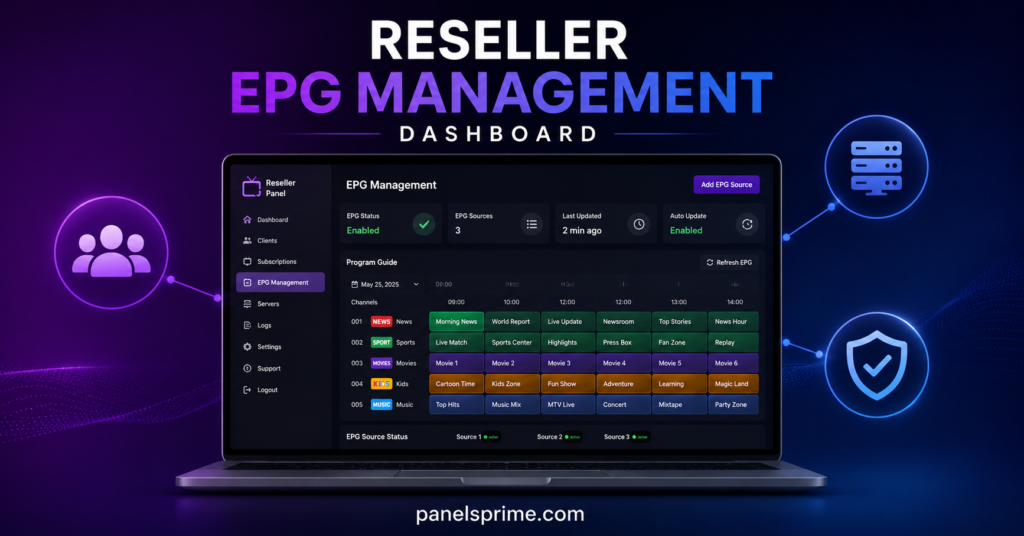
When several customers report blank guides at the same time, do not start troubleshooting individual devices. A simultaneous failure across multiple users is a source-side issue, full stop. Check your own panel guide first, then contact your upstream provider. Treating a source outage as if it were a device problem wastes hours and frustrates everyone. Knowing the difference is what separates a calm reseller from a panicked one.
Building EPG Reliability Into Your Service
The smartest resellers reduce these problems before they start by choosing a stable backend. A panel with reliable, well-maintained EPG data and a responsive provider means fewer blank-guide tickets in the first place. Looking at a provider’s IPTV subscription uptime record and asking directly how they handle EPG maintenance is worth doing before you commit, because guide reliability is part of the product, not an afterthought. One illustrative example of a panel that publishes its uptime and supports resellers directly is britishseller.co.uk, though it is sensible to compare a few before deciding.
A Quick Word on the Legal Side
It is worth being honest here rather than glossing over it. IPTV as a technology is completely legitimate, and so is the EPG data that powers a program guide. Plenty of services operate fully within the law. At the same time, the wider IPTV space includes a genuine grey area, and the legality of any given service depends entirely on whether the content being delivered is properly licensed in your country.
This guide is about the technical side, getting a guide that has stopped loading to load again, which applies equally to any IPTV setup regardless of how it sources its content. The responsible move is to make sure whatever service you use holds the rights to what it delivers. That keeps you on the right side of the line and tends to come with better reliability anyway, since licensed operators have more reason to maintain stable infrastructure.
Conclusion
A blank program guide looks alarming but is rarely serious, and now you have a clear path through it. The reliable IPTV EPG not loading fix almost always starts in the same place: refresh the guide, give it time to download, then clear the cache and reload. If that does not work, re-check your EPG source URL, confirm your time zone, and make sure your channel IDs actually match the guide data. And if your streams play fine while only the guide stays blank, you have learned the most useful lesson of all, that the fault is sitting upstream and the fix is on your provider’s side, not yours.
The thread tying all of this together is the simple truth that the guide and the video travel separately. Once that clicks, every blank-guide situation becomes readable. You stop guessing and start matching the symptom to the cause. Whether you are a single viewer wanting your TV guide back or a UK IPTV reseller keeping dozens of customers happy, the same logic carries you through, and a working IPTV EPG not loading fix is usually only a refresh and a cache clear away.
Your EPG Fix Checklists
Here is a clean, printable run-through for each type of user so you can act fast next time the guide goes blank.
Subscriber Checklist
Refresh or reload the guide inside your player and wait two to three minutes. Fully close and reopen the app, do not just minimise it. Clear the app cache through your device settings, then refresh again. Confirm your time zone setting matches your actual location. Check whether your streams still play, if they do, the issue is your provider’s source, not you. Contact your provider only after these steps fail.
Reseller Checklist
Check your own master panel guide the moment tickets start arriving. If multiple customers fail at once, treat it as a source outage, not a device issue. Contact your upstream provider and confirm whether maintenance is underway. Keep a short, copy-paste message ready to reassure customers while you wait. Note the outage time so you can spot patterns if it repeats. Choose a backend with a documented uptime record to cut these events down.
Sub-Reseller Checklist
Confirm whether the issue is local to you or coming down from the reseller above you. Test one of your own lines on a known-good device to rule out your setup. Report blank-guide reports upward quickly rather than troubleshooting blind. Keep your customer list segmented so you can tell who is affected at a glance. Hold one backup EPG source on standby for fast diagnosis. Communicate clearly upstream and downstream so nobody is left guessing.
Frequently Asked Questions
Why is my IPTV EPG not loading even though channels work?
Because the guide and the video are delivered separately. Your channels stream from one source while the EPG schedule loads from a different XMLTV or EPG file. If that guide source is down, cached badly, or pointed at the wrong URL, the guide stays blank while your streams play perfectly fine.
How long should an IPTV EPG take to load?
Anywhere from a few seconds to two or three minutes. A large guide covering thousands of channels on a slower connection takes longer to download and populate. Always wait a couple of minutes before deciding the guide has failed, since many “broken” guides are simply still loading.
Does clearing the cache delete my IPTV subscription?
No. Clearing the cache only removes temporary stored files, including the broken guide data, and forces a fresh download. Clearing the app data is heavier and may remove your login or playlist, requiring you to re-enter them, but neither action cancels or deletes your actual subscription.
Why does my IPTV guide show the wrong times?
This is almost always a time zone setting. The guide data carries timestamps, and your player applies an offset to show them in local time. If that offset is wrong, the correct programmes appear in the wrong slots. Correct the time zone in your player’s EPG settings to realign the grid.
What do I do if many customers report a blank guide at once?
A simultaneous failure across multiple users points to a source-side outage, not individual device faults. Check your own master guide first, then contact your upstream provider to confirm maintenance or downtime. Avoid troubleshooting individual devices, since that wastes time on a problem that is not on your end.