The Real Reason Your Firestick Buffers at Kick-Off
Saturday, 12:28 PM. Eight minutes before a top-of-the-table Premier League fixture, and a reseller messages us: forty of his customers are complaining at once. Same stream, same provider, same “everything was fine yesterday.” Yesterday there was no match. That single detail explains almost every sports buffering complaint we have ever traced.
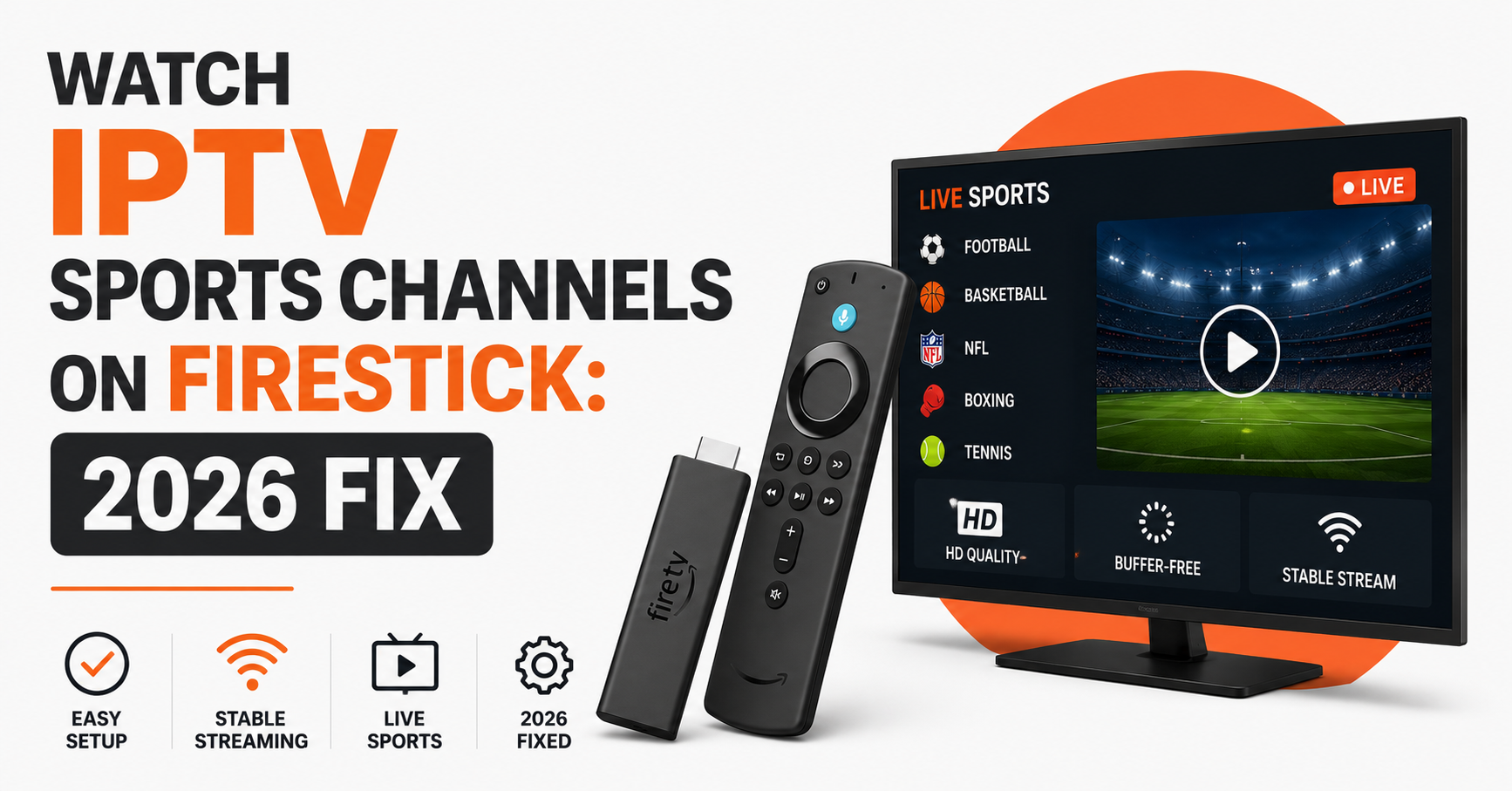
Here’s the short version before anything else. If you want to watch IPTV sports channels on Firestick without it falling apart during a live game, the bottleneck is almost never the match itself. It is the combination of a weak Firestick model, an overloaded home Wi-Fi band, and a provider whose infrastructure cannot absorb a kick-off traffic spike. Fix those three layers and the buffering usually disappears.
The likely cause, in order of how often we see it: an underpowered older Firestick choking on a high-bitrate sports feed, then 2.4GHz Wi-Fi congestion, then the provider’s server load. The recommended first action costs nothing — restart the device, switch to 5GHz, and test a single channel before assuming the service is broken.
That is the takeaway. The rest of this is the why, the how, and the parts nobody tells you until something breaks at 3 PM on a Saturday.
Why Sports Traffic Behaves Nothing Like Normal Streaming
Most people assume a stream is a stream. It isn’t. A film loads gradually and you watch minutes behind real time without noticing. Live sport is the opposite — everyone wants the same feed, at the same second, at the highest bitrate, with zero delay. When a marquee fixture starts, demand doesn’t rise gently. It detonates.
During one Premier League weekend we watched concurrent viewers on a single channel jump nearly nine times in under two minutes. That is the load a sports feed has to survive, and it is why a service that streams flawlessly on a Tuesday evening can crumble at Saturday kick-off.
Pro Tip: Test your setup during a live match, never during downtime. A provider that looks perfect on a quiet afternoon tells you nothing. The only honest stress test is a Saturday 3 PM slot when the whole network is screaming for the same ball.
So when you try to watch IPTV sports channels on Firestick and it stutters only during big games, the pattern itself is the diagnosis. Consistent failure points to your hardware or network. Failure only at kick-off points upstream, to the provider’s capacity.
Firestick by Generation: What Each Model Can Actually Handle
Not every Firestick is built for live sport. The hardware gap between a 2017 stick and a 2024 4K Max is enormous, and it shows the moment a high-bitrate feed hits an old chip.
| Firestick Model | Sports Streaming Reality |
|---|---|
| Fire TV Stick (2nd Gen, 2016–17) | Struggles with HD sports; RAM fills fast, frequent buffering |
| Fire TV Stick (3rd Gen, 2020) | Handles 1080p, occasional lag on busy feeds |
| Fire TV Stick 4K (2018/2023) | Comfortable with HD/4K sports if network holds |
| Fire TV Stick 4K Max | Best choice; faster Wi-Fi 6, smoother high-bitrate playback |
| Fire TV Cube | Wired Ethernet option, most stable for live sport |
The older the stick, the more aggressively it has to manage limited memory. When you watch IPTV sports channels on Firestick on a 2nd-gen device, the chip is often the real ceiling — not your broadband. We have seen customers upgrade their internet to 200Mbps and still buffer, because the four-year-old stick simply couldn’t decode the feed fast enough.
The Quiet Killer: Background Apps
A Firestick keeps apps running in the background, quietly eating RAM. On older models this is fatal for live sport. Force-close everything before a match. On 2nd and 3rd gen sticks this single habit resolves more match-day complaints than any other fix we recommend.
The Network Layer Most Viewers Get Wrong
Your Firestick can only stream as well as the signal reaching it. And here is where most households sabotage themselves without realising.
- 2.4GHz vs 5GHz: The 2.4GHz band travels further but is slower and crowded by every neighbour’s router. Sports feeds need the speed of 5GHz. Switch in Firestick network settings.
- Router distance: A stick behind a TV, behind a wall, two rooms from the router is fighting physics. Move the router or add a mesh node.
- Peak-hour contention: Your ISP’s local node is shared. Saturday evening is when your whole street streams at once.
- Ethernet adapter: For the Fire TV Cube or a stick with an adapter, a wired connection removes Wi-Fi variables entirely.
Pro Tip: Before a big match, run a speed test on the Firestick itself, not your phone. Phones often grab 5GHz while the Firestick is stuck on a weak 2.4GHz signal. The numbers can differ by a factor of five.
A IPTV reseller once spent a week blaming our servers for one customer’s buffering. The customer’s Firestick was mounted inside a metal media cabinet. Metal box, weak signal, constant buffering. No server on earth fixes a Faraday cage.
What Separates Cheap Infrastructure From Reliable Streaming
This is where subscribers and resellers need the same lesson. If you stream sport, or if you sell it, the backend either survives kick-off or it doesn’t.
| Cheap IPTV Infrastructure | Professional IPTV Infrastructure |
|---|---|
| Single server source | Multiple load-balanced sources |
| No failover | Automatic failover at peak load |
| No backup uplinks | Redundant uplinks for traffic spikes |
| Collapses during big matches | Absorbs sudden concurrent surges |
| No real-time monitoring | Active monitoring during fixtures |
When a feed buffers for everyone at the same second, that is a backend signature, not a Firestick problem. A serious provider runs load balancing so no single server carries the whole match-day crowd, plus failover so that if one node dies, traffic reroutes before viewers notice. A trustworthy IPTV Reseller operator like britishseller.co.uk builds for the spike, not the average.
Pro Tip: Ask any prospective provider one question: “What happens to your servers during a Champions League final?” Vague answers mean no redundancy plan. The ones who can describe their failover and load balancing are the ones still standing at full-time.
For Resellers: Why Match Days Make or Break Your Panel
If you run an IPTV reseller panel, weekends are your reputation in compressed form. Every churn decision a customer makes is usually made during a buffering match, not a quiet weekday.
After reviewing hundreds of support tickets across our reseller network, one pattern is undeniable: complaint volume for the average IPTV reseller triples on Premier League Saturdays and Champions League nights. The sub-reseller who ignores this loses customers in clusters.
Here is what the smart IPTV business owner does differently:
- Stress-test before selling. Don’t onboard during a quiet week. Push trial users through a live match first.
- Allocate panel credits with churn in mind. A credit reseller who oversells cheap trials before a big fixture invites mass complaints.
- Pre-warn customers. A short message before a major match — “5GHz only, close other apps” — cuts ticket volume noticeably.
- Pick your upstream by peak performance. As a panel owner, your reseller panel is only as stable as the IPTV distribution network feeding it.
One reseller we worked with cut his match-day churn nearly in half simply by sending every new subscriber a Firestick optimisation guide on day one. No infrastructure change — just managing the device layer that he had previously ignored.
Pro Tip: For any sub-reseller, the most profitable hour of the week is the 60 minutes before a marquee kick-off. That is when proactive support prevents the cancellations that quietly drain a panel.
Step-by-Step: Optimise Your Firestick Before Kick-Off
A repeatable routine beats panic-troubleshooting mid-match. Run this fifteen minutes before any big fixture.
- Restart the Firestick. Settings → My Fire TV → Restart. Clears memory.
- Force-close background apps. Especially on 2nd/3rd gen sticks.
- Switch to 5GHz Wi-Fi. Confirm the connection in network settings.
- Run an on-device speed test. Aim for stable, not just fast.
- Open your sports channel early. Let it settle two minutes before kick-off.
- Lower the resolution if needed. A smooth 720p beats a stuttering 4K every time.
Do this once and it becomes muscle memory. The households that follow it almost never appear in our match-day support queue.
FAQ
How do I watch IPTV sports channels on Firestick during peak matches without buffering?
Restart your Firestick, force-close background apps, and connect to 5GHz Wi-Fi before kick-off. Open the sports channel a couple of minutes early so it stabilises. If buffering still affects everyone simultaneously, the issue is your provider’s server load, not your device or network.
Which Firestick is best to watch IPTV sports channels on Firestick smoothly?
The Fire TV Stick 4K Max or Fire TV Cube. The Max offers Wi-Fi 6 and a faster processor that handles high-bitrate sports comfortably, while the Cube supports wired Ethernet for the most stable live streaming. Older 2nd-gen sticks struggle with HD sports feeds.
Why does my sports stream only buffer during big games?
Because live sport creates a sudden concurrent traffic spike. Hundreds of viewers hit the same channel at kick-off. If your stream is fine on quiet evenings but fails only during major fixtures, the bottleneck is upstream — your provider’s infrastructure cannot absorb the surge.
Does a VPN help with sports streaming on Firestick?
Sometimes. A VPN can bypass ISP throttling that targets streaming during peak hours, which may reduce buffering. However, it adds a small overhead, so choose a fast nearby server. If your ISP isn’t throttling, a VPN won’t fix a hardware or provider-capacity problem.
As an IPTV reseller, how do I reduce match-day complaints?
Stress-test your IPTV reseller panel during a live match before onboarding, send new subscribers a Firestick optimisation guide, and choose an upstream IPTV distribution network built for peak load. Proactive support in the hour before kick-off prevents most cancellations a sub-reseller would otherwise face.
Is wired Ethernet better than Wi-Fi for Firestick sports?
Yes. A wired connection via an Ethernet adapter or the Fire TV Cube removes Wi-Fi congestion and signal-distance issues entirely. For households where buffering persists despite a strong package, switching to Ethernet is the single most reliable fix for live sports streaming.
Will a faster internet plan stop buffering?
Not always. Live sports rarely need more than 25Mbps. If you buffer on 200Mbps, the limit is usually an old Firestick, a weak Wi-Fi signal, or provider server load. Upgrade those layers first before paying for bandwidth you don’t need.
Conclusion
To reliably watch IPTV sports channels on Firestick through a full Premier League weekend, treat it as three layers stacked on top of each other: the device, the network, and the provider. Most viewers obsess over the last one and ignore the first two — yet the cheapest, fastest fixes live in the device and network layers. A restarted stick on 5GHz solves more match-day buffering than any server upgrade ever will.
But when buffering hits everyone at once, that’s the upstream signature, and no amount of Firestick tinkering rescues a provider that wasn’t built for the kick-off surge. Whether you’re a subscriber chasing a clean stream or an IPTV business owner protecting a panel, the principle is identical: build, or buy, for the spike.
Success Checklist
For Subscribers
- Restart Firestick 15 minutes before kick-off
- Force-close all background apps
- Switch to 5GHz Wi-Fi or use Ethernet
- Run an on-device speed test before the match
- Open the sports channel two minutes early
For Resellers
- Stress-test the reseller panel during a live fixture
- Send every new subscriber a Firestick optimisation guide
- Choose an upstream built for peak concurrent load
- Pre-warn customers before marquee matches
- Monitor ticket volume across Saturday fixtures
For Sub-Resellers
- Confirm panel credits aren’t oversold before big games
- Be available in the hour before kick-off
- Flag repeat buffering complaints to your panel owner
- Track which customers churn on match days
- Keep a ready optimisation message for quick replies
The lesson under everything here: buffering during sport is rarely random. It is a signal pointing at one of three layers, and the household or reseller who reads that signal correctly fixes the problem in minutes instead of blaming the wrong thing for a week.