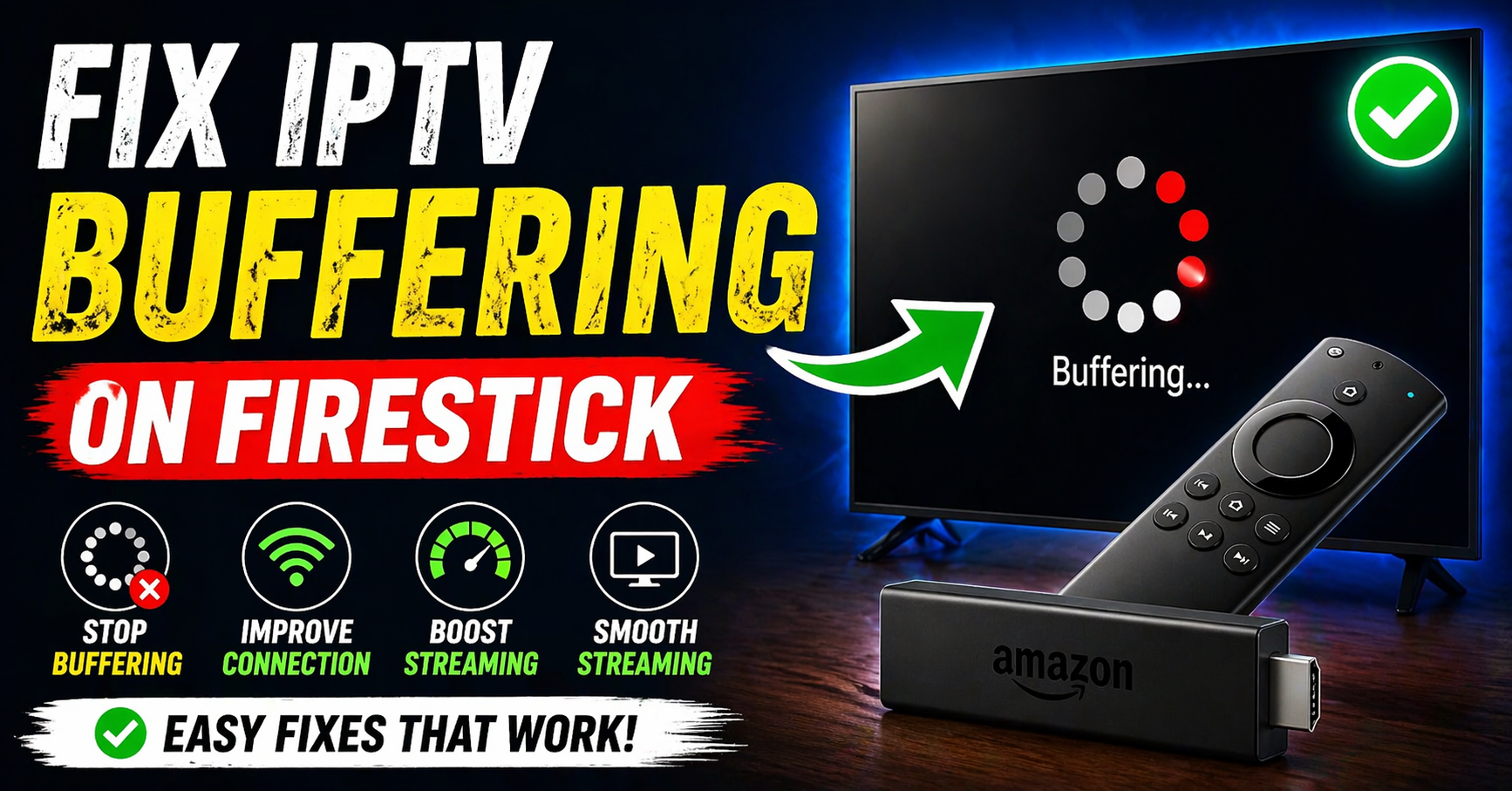
There is nothing worse than settling into your couch, snacks ready, lights dimmed, and then the screen freezes. That spinning circle shows up like an uninvited guest who refuses to leave.
If you are trying to fix IPTV buffering on Firestick, you are not alone. Millions of people deal with this exact problem every single week, and the frustrating truth is that most of the fixes are simple once you know where to look.
Why the Firestick Freezes at the Worst Possible Moment
Streaming content is not magic. It is data, packets of information flying from a server to your TV in fractions of a second. When something interrupts that flow, even briefly, the Firestick stalls. It waits. It buffers.
The Firestick is a capable little device, but it is also working harder than most people realize. It is decoding video, managing your Wi-Fi connection, running background apps, and pushing audio to your TV, all at once. Any weak link in that chain and you get the dreaded circle.
Understanding this is the first step to actually fix IPTV buffering on Firestick in a way that lasts.
The Real Culprit Is Usually Not Your Internet Speed
Here is something most people get wrong immediately. They call their internet provider, complain about slow speeds, and get told everything looks fine from the provider’s end. And honestly? The provider is usually right.
The problem is not always your internet speed. It is stability and congestion inside your own home.
Think of your Wi-Fi as a highway. The 2.4GHz band is the old two-lane road, crowded with every smart bulb, baby monitor, microwave, and neighbor’s router in the area. The 5GHz band is the express lane. Fewer cars, faster movement, less interference.
Your Firestick needs to be in the express lane. Most homes never make that switch, and it costs them every single stream.
The Night I Learned This the Hard Way
Last winter, I moved my router to a new shelf in the living room to make space for a new lamp. What I did not think about was that the new spot put the router directly behind a thick wooden entertainment unit, about two feet of dense wood between the signal and my Firestick.
That evening, during a high-tension match final, the stream dropped three times in the last fifteen minutes. The picture went blocky, then frozen, then black. I kept trying to fix IPTV buffering on Firestick by restarting the app, clearing cache, even restarting the device. Nothing worked consistently.
The next morning, I moved the router back to an open shelf. Same internet plan. Same Firestick. Zero buffering.
Sometimes the problem is not a setting, it is a lamp table.
Why Latency Matters More Than Speed
When you stream IPTV, your Firestick is making constant, tiny requests for data. The stream arrives in small chunks. If those chunks arrive on time, you see smooth video. If they are delayed, even by milliseconds, the Firestick runs out of pre-loaded content and stalls while it waits for more.
This is called latency. And it matters far more than raw download speed.
You do not need a gigabit internet plan to fix IPTV buffering on Firestick. You need a consistent, low-latency connection with a clean path between your router and your device. That is the whole game.
Optimal Viewing Settings for High-Action Live Streams
If you are watching live sport or action-heavy content, there are two specific TV settings that will make a significant difference beyond just buffering.
Most TVs ship from the factory with contrast settings turned up too high. This creates what is known as “black crush,” dark scenes lose detail because the TV is compressing shadow tones to make the image look punchy in a showroom. For fast-moving action content, turn your contrast down slightly and enable any local dimming option your TV offers. You will see more detail in dark corners and fast cuts will look sharper.
Many TVs have a motion smoothing feature with names like TruMotion, MotionFlow, or Auto Motion Plus. For cinematic content, this tends to look artificial. For live sport, however, it can actually reduce judder during panning shots. Test it both ways and trust your own eyes.
Getting your TV settings right means that once you fix IPTV buffering on Firestick, the picture quality will actually reflect the stream’s true resolution.
Your Complete Setup Checklist to Fix IPTV Buffering on Firestick
Work through this list methodically. Do not skip steps.
- Place your router in an elevated, open position. No enclosed cabinets. No fish tanks. No thick walls between the router and the Firestick if you can help it.
- Connect to 5GHz Wi-Fi. Go into your Firestick settings, then Network, and look for the 5GHz version of your home network. It often has the same name with a “5G” or “_5” added at the end. Connect to that one.
- Use a wired connection if possible. The Amazon Ethernet Adapter for Firestick is inexpensive and eliminates Wi-Fi issues entirely. If your TV setup allows it, plug directly into your router. This single step will fix IPTV buffering on Firestick more reliably than almost any other change.
- Clear Firestick cache regularly. Go to Settings, then Applications, then Manage Installed Applications, select your IPTV app, then Clear Cache. Do this weekly if you stream regularly.
- Close background apps. Long-press the home button on your Firestick remote and use the recent apps view to fully close everything running in the background. These apps share memory and processing power.
- Disable VPN if you use one. VPNs route your traffic through additional servers and add latency. Unless you specifically need one, disable it while streaming.
- Update Firestick firmware. Go to Settings, then My Fire TV, then About, then Check for Updates. Outdated firmware can cause app crashes and connection instability.
Troubleshooting Flowchart
| Symptom | Likely cause | The fix |
|---|---|---|
| Picture is fuzzy only on crowd or action shots | Low bitrate prioritization on Auto quality | Switch from Auto to Manual quality and select 1080p |
| Stream plays for 5 minutes then freezes | App memory overflow | Clear app cache and restart Firestick before streaming |
| Buffering only happens in evenings | Network congestion (peak hours) | Switch to 5GHz band or use wired Ethernet adapter |
| Audio works but video is stuck | Video decode buffer lag | Lower video quality one step, then raise it back once stable |
| Stream drops completely and app crashes | RAM overload from background apps | Close all background apps before launching IPTV player |
| Good speed test but still buffering | High latency or packet loss | Run a ping test; contact your ISP if packet loss is above 2% |
Event Prep Timeline
| Time before your stream | Action item |
|---|---|
| 1 week before | Test your current setup with a similar stream. Identify any existing issues early. |
| 1 day before | Update Firestick firmware and your IPTV application to the latest version. |
| 3 hours before | Run a speed and latency test using Fast.com or a similar tool. |
| 1 hour before | Restart your router and Firestick fully. Clear the IPTV app cache after restart. |
| 15 minutes before | Connect to 5GHz Wi-Fi or confirm Ethernet is active. Close all background apps. |
| 5 minutes before | Open your stream, let it load, and confirm picture quality before the main event begins. |
Cable vs. Modern Home Streaming Setup
People often assume cable is more reliable. In some cases that is still true, but the gap has narrowed considerably.
| Factor | Traditional cable | Modern IPTV streaming setup |
|---|---|---|
| Monthly cost | Higher, with locked contracts | Flexible, often lower with no contracts |
| 4K availability | Limited, hardware dependent | Widely available depending on your plan |
| Flexibility | Fixed channel packages | Customizable content selection |
| Buffering risk | Very low once installed | Low when setup is properly optimized |
| Setup complexity | Done by a technician | DIY, takes 20-30 minutes |
| Device compatibility | Set-top box provided | Works on Firestick, phone, tablet, Smart TV |
The conclusion most households reach after making the switch is that the savings are real, but the setup knowledge requirement is also real. That is exactly why guides like this one exist.
Myths That Keep People From Actually Fixing This
“I need faster internet to stop buffering.” Not necessarily. A 25 Mbps connection with low latency outperforms a 200 Mbps connection with high jitter every single time. To fix IPTV buffering on Firestick, focus on connection stability, not raw speed.
“Restarting the app fixes everything.” Restarting the app clears the playback buffer but does not resolve the underlying network or memory issue. You may need to restart the device itself or clear the cache.
“The IPTV service is the problem.” Sometimes, yes. But in most documented cases, the issue is between the router and the device, not the content server. Eliminate your home network as the cause before pointing fingers elsewhere.
“Live streams buffer more than on-demand because of the content.” Live streams do require a more consistent connection because there is no large pre-load buffer the way on-demand video uses. But you can still fix IPTV buffering on Firestick for live content by increasing your IPTV player’s buffer size in settings.
“A newer Firestick will solve the problem.” A newer device helps if your current one is several generations old. But if the network is congested or poorly configured, a new Firestick will buffer just as reliably as the old one.
Why Shared Logins Cause Buffering During Big Events
If you are managing access for multiple households or a large family, understanding how an IPTV Reseller structures accounts can help you avoid login conflicts. When two users share the same credentials during a major live event, the stream will almost always drop for one or both of them. This is one of the most common and least talked-about causes of buffering during popular broadcasts.
For those curious about the backend, this is similar to What Is an UK IPTV Reseller Panel, it is the dashboard for organizing user credentials, which ensures your specific connection is unique and less prone to being kicked off during high traffic.
Each connection should have its own dedicated login. This is not just a convenience issue, it is a technical necessity.
Is It Legal to Stream IPTV on a Firestick?
This is one of the most commonly asked questions, and it deserves a straight answer.
The Amazon Firestick itself is a completely legal device. Streaming applications are legal. The legality of any specific IPTV service depends entirely on whether the provider is properly licensed to distribute the content they offer.
This guide is about the method of delivery and home optimization, not the source of the content.
If you are using a licensed, subscription-based IPTV service, you are on solid legal ground. If you are unsure about the service you are using, research whether it holds proper distribution rights in your country. When in doubt, stick to services that are transparent about their licensing.
We do not endorse, host, or provide access to any unlicensed content. Our only purpose here is to help you get the best possible experience from services you already legally use.
Frequently Asked Questions
Why does my Firestick buffer even with fast Wi-Fi?
Fast download speeds do not guarantee smooth streaming. High latency, packet loss, or an overcrowded 2.4GHz band can all cause buffering even on a 200 Mbps connection. Switch to 5GHz and run a latency test before assuming the speed is the issue.
How often should I clear my IPTV app cache?
At minimum, once a week if you stream daily. Before any major event, always clear the cache and restart the device fresh.
Can a VPN help me fix IPTV buffering on Firestick?
In most cases, a VPN adds latency and makes buffering worse. Unless your ISP is specifically throttling streaming traffic, disable the VPN while watching.
What buffer size should I set in my IPTV player?
Most IPTV players allow you to adjust the buffer size in settings. For live content, a buffer between 5,000ms and 10,000ms is a reasonable starting point. For on-demand, the default is usually sufficient.
Is my IPTV service illegal?
We cannot speak to the legality of any specific service. This guide exists to help you optimize your home network and device settings. Always ensure the service you subscribe to holds proper licensing rights for the content it delivers. We do not provide, host, or endorse any unlicensed streaming content.
How do I know if the problem is my Firestick or my internet?
Test your connection by streaming from a different device on the same network, a phone or laptop. If that device also buffers, the issue is your network. If only the Firestick buffers, the issue is device-specific.
Does device location affect buffering?
Absolutely. Physical distance from the router, walls, furniture, and even appliances affect Wi-Fi signal strength. Moving your Firestick closer to the router, or using an Ethernet adapter, can fix IPTV buffering on Firestick almost immediately in many setups.
Compare Your Options Before the Next Big Event
While the cost of a single pay-per-view event through traditional cable remains high, it is worth comparing the value on our Pricing Page for the tools that keep the stream steady. Small investments in your home setup, an Ethernet adapter, a better router position, a simple cache-clearing habit, pay off every single time you sit down to watch.
One Last Thing Before You Hit Play
To fix IPTV buffering on Firestick is not a one-time task, it is a short routine. Clear the cache, check the Wi-Fi band, close the background apps, restart the router before a big event. Build those habits and the spinning circle becomes a rare visitor instead of a regular one.
You have already done the hard part by looking for real answers instead of just restarting the app and hoping for the best. Now go enjoy whatever you sat down to watch. You have earned an uninterrupted screen.
This article is intended purely as a technical guide for home network optimization and streaming device configuration. We do not provide, endorse, or facilitate access to any copyrighted or unlicensed content. All recommendations are based on standard consumer device testing and general networking principles.