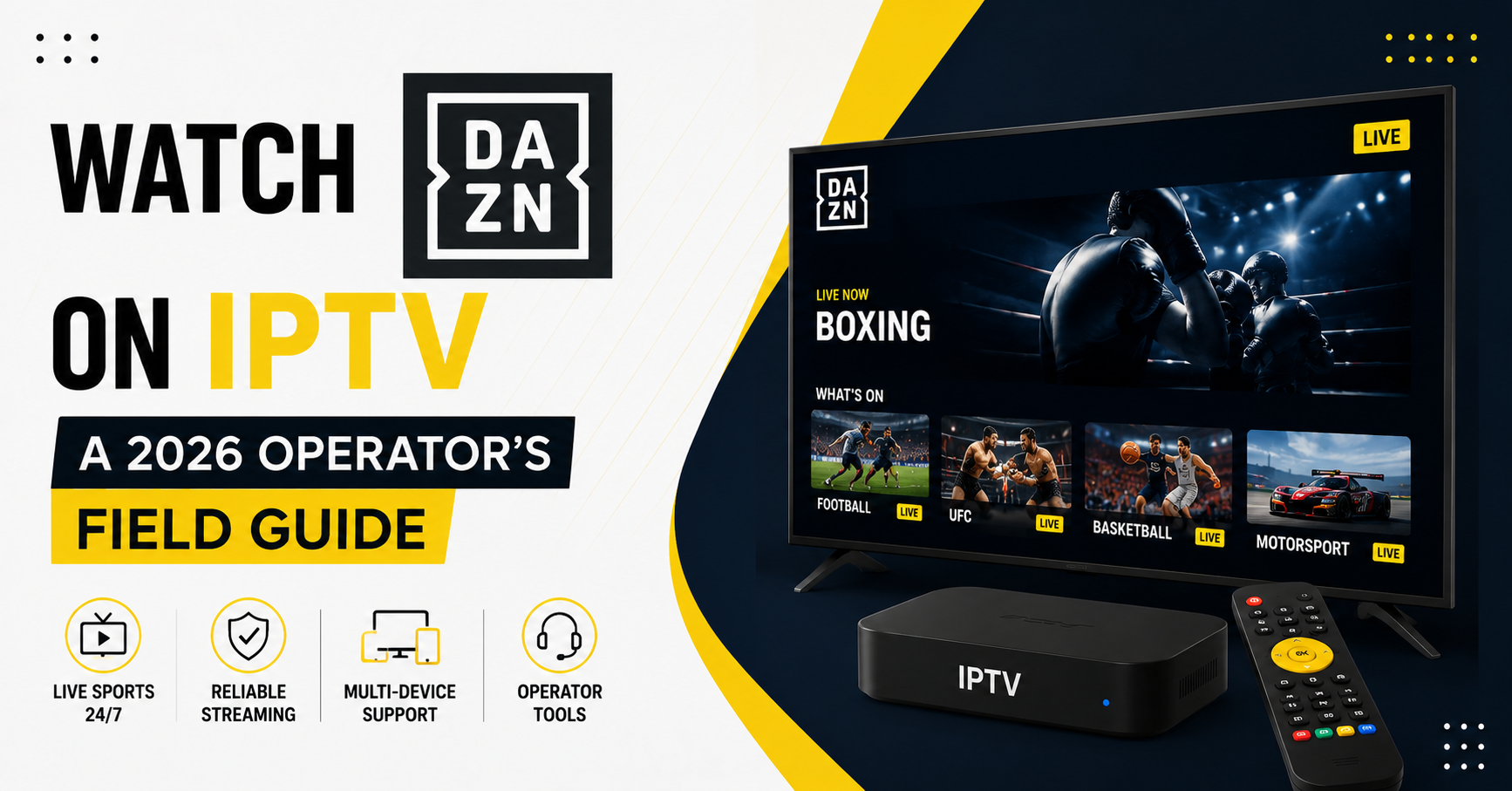
I’ll be honest with you before we even get to the setup screens: the people who ask how to watch DAZN on IPTV usually aren’t asking the question they think they’re asking. They think it’s a “which app do I install” problem. After years of watching panels melt down on fight night, I can tell you it’s a capacity problem wearing an app’s clothing.
DAZN is not Netflix. Netflix traffic is a gentle hum spread across the evening. DAZN is a wall of water that arrives at the exact second a main event walkout begins, and everyone — every subscriber, every region, every device — hits play within the same ninety-second window. That single behavioural quirk is the reason most IPTV setups that handle Premier League fine will choke the moment you try to watch DAZN on IPTV during a boxing card.
The walkout spike nobody plans for
Here’s something we noticed across multiple events last year. A panel that sailed through a full Saturday of football fixtures — staggered kickoffs, traffic spread over eight hours — fell over completely during a single Saturday-night DAZN card. Same number of total viewers. Wildly different outcome.
The difference is concurrency. Football spreads its load. Combat sports concentrate it. When the undercard ends and the headline walkout starts, you don’t get a curve, you get a cliff. One IPTV UK reseller we worked with had provisioned bandwidth based on his football-night peaks and got absolutely buried because he’d never modelled a single-moment surge.
Pro Tip: If you sell access to DAZN content, look at your single highest concurrent minute, not your daily average. Average usage is a comforting lie. The walkout minute is the only number that decides whether your night goes smoothly or your support inbox catches fire.
What “watch DAZN on IPTV” actually involves on the device side
Setting up playback is genuinely the easy part. Most subscribers will use one of a handful of players, and the experience varies more than people expect:
| Playback Setup | Strength | Where It Struggles |
|---|---|---|
| Dedicated IPTV player (TiviMate-style) | Clean EPG, buffer control | Needs manual buffer tuning for high-bitrate events |
| MAG box | Stable, set-and-forget | Limited buffer headroom on older units |
| Android TV box | Flexible, app-rich | Cheap units throttle on 50fps streams |
| Firestick (entry models) | Cheap, accessible | RAM-starved during HD combat sports |
| Web/browser playback | Zero install | Worst latency, first to stutter |
The pattern across hundreds of support tickets is depressingly consistent: people blame the stream when the real culprit is an underpowered box trying to decode a high-frame-rate feed it was never built for. Combat sports at 50fps punish weak hardware in a way that talking-head channels never will.
Why frame rate quietly ruins fight night
This is the technical detail almost nobody mentions when they explain how to watch DAZN on IPTV. Sports — especially fast-motion sports like boxing and MMA — are frequently delivered at higher frame rates. That doubles the decoding workload compared to a standard 25fps channel.
A budget Firestick that handles a news channel beautifully will start dropping frames the instant a fast exchange fills the screen with motion. The subscriber sees stutter. They assume the IPTV service is broken. It usually isn’t. The hardware simply ran out of headroom.
Pro Tip: Before any big card, tell subscribers to close every background app and, if possible, hardwire via Ethernet. Half the “buffering” complaints we receive on fight night vanish the moment someone kills the four streaming apps idling behind their player.
The buffering myth most resellers get wrong
A mistake we see repeatedly: resellers crank the player buffer to maximum thinking it cures stutter. For live sport, an oversized buffer is a curse. You end up watching the knockout thirty seconds after Twitter has already told you it happened.
Live combat sports need a small, stable buffer — enough to absorb a hiccup, not so much that you fall behind the broadcast. The goal isn’t zero interruptions at any cost. It’s staying close to live without the picture freezing during the moment that matters.
Here’s the sequence that actually fixes most fight-night complaints:
- Confirm the box can decode high-frame-rate HD (a five-year-old budget stick often can’t).
- Hardwire the connection or sit on solid 5GHz Wi-Fi.
- Set a modest buffer, not the maximum.
- Test the channel an hour before the walkout, never at the walkout.
- Have a backup playback device ready and already logged in.
What ISP behaviour does to live sports streams
The infrastructure reality in 2026 is messier than it was even two years ago. ISPs have grown far better at recognising the traffic shape of a live high-bitrate sports stream, and during major events some networks quietly throttle exactly that profile. You’ll see it as buffering that mysteriously only appears during big events and never during a random Tuesday film.
This is where a VPN genuinely helps — not for anything dramatic, simply because encrypted traffic is harder for a network to single out and shape. We’ve watched the same subscriber, same box, same stream, go from constant stutter to glass-smooth the moment they routed around an overzealous ISP.
Pro Tip: If a subscriber only ever buffers during marquee events but never otherwise, stop blaming your servers. That signature points straight at event-time traffic shaping on their connection, and no amount of bandwidth on your end will fix their last mile.
The reseller side: where the money is actually won or lost
For anyone running the business end of this, fight night is both your biggest opportunity and your biggest liability. A single bad main event can churn out customers you spent months acquiring. Every IPTV reseller learns this the hard way exactly once.
The resellers who thrive treat marquee sports differently from everything else. They don’t just resell capacity blindly. A serious IPTV reseller panel gives a panel owner the visibility to see concurrency climbing in real time, and a credit reseller who plans inventory around event calendars rather than calendar months keeps customers far longer than one who reacts after the complaints land.
Some practical realities every IPTV operator should internalise:
- Provision for the spike, not the month. A reseller panel that comfortably carries your monthly average will still drown in a single concurrent surge.
- Brief your sub-reseller network before big cards. Most sub-reseller complaints during events trace back to subscribers who were never told to test early.
- Watch your panel credits against event calendars. A panel owner who allocates panel credits blindly before a stacked weekend gets caught short.
- Retention is decided on event nights. An IPTV business owner who nails three fight nights in a row builds loyalty no discount can buy.
Across the resellers we’ve advised, the gap between an amateur and a professional IPTV reseller is almost never price. It’s whether the reseller anticipated the surge or got ambushed by it. The IPTV reseller panel is just a tool — what separates a winning reseller from a churning one is operational discipline around exactly these high-load moments.
Cheap infrastructure vs the kind that survives a main event
| Cut-Rate Setup | Setup That Survives Fight Night |
|---|---|
| Single source feed | Multiple redundant sources |
| No failover | Automatic failover mid-event |
| Sized to daily average | Sized to peak concurrency |
| Reacts to outages | Monitors in real time |
| No event planning | Capacity mapped to event calendar |
A panel owner running the left column gets through quiet weeks looking identical to a professional. Then a stacked card arrives and the difference becomes brutally public in front of every subscriber at once.
A small case study worth remembering
One reseller we knew built a healthy base almost entirely on combat-sports fans. Great niche, loyal audience. Then a huge crossover card landed, his single-source setup had no failover, and the feed dropped during the main event walkout. He lost roughly a fifth of his customer base inside a week — not because the product was bad, but because it failed at the one moment those particular customers cared about most.
The lesson isn’t “buy more bandwidth.” It’s that knowing who your subscribers are tells you when you absolutely cannot fail. For a combat-sports audience, that’s the walkout. Miss it and no apology email saves you.
Picking a service you can actually rely on for DAZN content
If your priority is reliably being able to watch DAZN on IPTV, evaluate providers on their event-night track record rather than their channel count. A list of ten thousand channels means nothing if the one stream you care about freezes during the headline fight. Ask how they handle concurrency surges, whether they run failover, and how they performed during the last major card. A provider confident in its sports delivery — the kind of reliability serious operations like British UK IPTV Reseller build their reputation on — will answer those questions directly instead of hiding behind a feature list.
Frequently Asked Questions
Is it legal to watch DAZN on IPTV?
Legality depends entirely on whether the IPTV service holds proper rights to the content it carries. Official DAZN subscriptions through the DAZN app are unambiguously legitimate. Third-party IPTV services vary enormously in their licensing, so the responsibility falls on the user to verify a provider’s standing before subscribing.
Why does DAZN buffer on IPTV during big fights but not normally?
This is almost always a concurrency or frame-rate issue rather than a constant fault. When you watch DAZN on IPTV during a marquee event, thousands of viewers hit play simultaneously while the high-frame-rate feed taxes weaker hardware. Add event-time ISP throttling and you get buffering that appears only during big cards.
What’s the best device to watch DAZN on IPTV?
A device that comfortably decodes high-frame-rate HD matters more than brand. Mid-range or better Android TV boxes and current-generation streaming sticks handle fast-motion combat sports far better than RAM-starved budget units. Older or cheap hardware is the single most common cause of fight-night stutter.
Does a VPN improve DAZN streaming on IPTV?
Often, yes — particularly if your buffering only appears during major events. A VPN encrypts your traffic, making it harder for an ISP to identify and throttle a live sports stream specifically. If your stutter vanishes the moment you connect a VPN during an event, ISP traffic shaping was the culprit.
How should an IPTV reseller prepare for a DAZN fight night?
A smart IPTV reseller provisions for peak concurrency, not monthly averages, and briefs the sub-reseller network to tell subscribers to test early. A reseller panel with real-time concurrency monitoring lets a panel owner spot trouble before it becomes a flood of tickets. Retention on a credit reseller’s base is won or lost on these nights.
Why does buffering get worse the more I increase my buffer setting?
For live sport, an oversized buffer pushes you behind the live broadcast without solving the underlying decode problem. Live combat sports need a small, stable buffer. If your hardware can’t decode the high-frame-rate feed, no buffer size fixes it — you need better hardware or a wired connection.
Can a Firestick handle DAZN content on IPTV?
Entry-level Firesticks struggle with high-frame-rate combat sports because they run short on RAM and decoding headroom during fast motion. A current-generation 4K model is far more capable. If you’re on a basic stick, close background apps and hardwire where possible before any big card.
Closing
If there’s one thing to take from all of this, it’s that the question of how to watch DAZN on IPTV is really a question about surviving a single concentrated moment of demand. Football forgives weak setups because it spreads its load. Combat sports expose every shortcut at once, on the device, on the connection, and on the panel.
Subscriber checklist
- Confirm your box decodes high-frame-rate HD before fight night
- Hardwire via Ethernet or use stable 5GHz Wi-Fi
- Set a modest buffer, not the maximum
- Close all background apps before the walkout
- Test the channel an hour early, never at the walkout
- Connect a VPN if buffering only hits during big events
Reseller checklist
- Size capacity to peak concurrency, not monthly average
- Use a reseller panel with real-time concurrency monitoring
- Map panel credits to the event calendar, not the billing month
- Brief your sub-reseller network before stacked cards
- Keep failover sources ready before the main event, not after
- Treat every fight night as a retention event
Sub-reseller checklist
- Tell every subscriber to test their stream an hour early
- Flag underpowered devices before the event, not during
- Know which of your customers are combat-sports-driven
- Keep a backup playback path ready for your own clients
- Report concurrency issues up the chain immediately
The operators who win fight night aren’t the ones with the longest channel list — they’re the ones who understood that combat sports concentrate demand into a single unforgiving minute and built for that minute specifically. Plan for the walkout, and everything quieter takes care of itself.