Firestick IPTV: Why It’s Your Biggest Asset and Your Biggest Support Headache
The message came in at 9:43pm on a Wednesday. A customer, retired teacher, lovely woman, had been on my service for four months without a single issue, had bought a new Firestick and couldn’t get her streams working. She’d followed the instructions I sent. She’d restarted the device. She’d uninstalled and reinstalled the app twice. Nothing.
Forty minutes later, after walking her through enabling apps from unknown sources, clearing the app cache, re-entering her Xtream Codes credentials, and finally discovering that her new 4K Firestick had defaulted to a different DNS setting than her old one, everything worked perfectly. She was delighted. Sent me a thank-you message the next morning.
That’s Firestick IPTV in a nutshell. When it works, customers love it. The device is familiar, affordable, and sits invisibly behind the telly. When it doesn’t work, and it regularly doesn’t, for reasons that have nothing to do with your streams, you’re the one fielding the calls.
For UK IPTV resellers, the Firestick is simultaneously your most powerful acquisition tool and your most unpredictable support variable. Understanding it properly isn’t optional. It’s the difference between a smooth operation and spending every weekend troubleshooting someone’s Amazon device.
Table of Contents
ToggleWhy Firestick Dominates the UK IPTV Market
Walk into any conversation about IPTV subscriptions UK and within two minutes someone mentions Firestick. It has become the default entry point for new IPTV customers in Britain, and the reasons are straightforward enough.
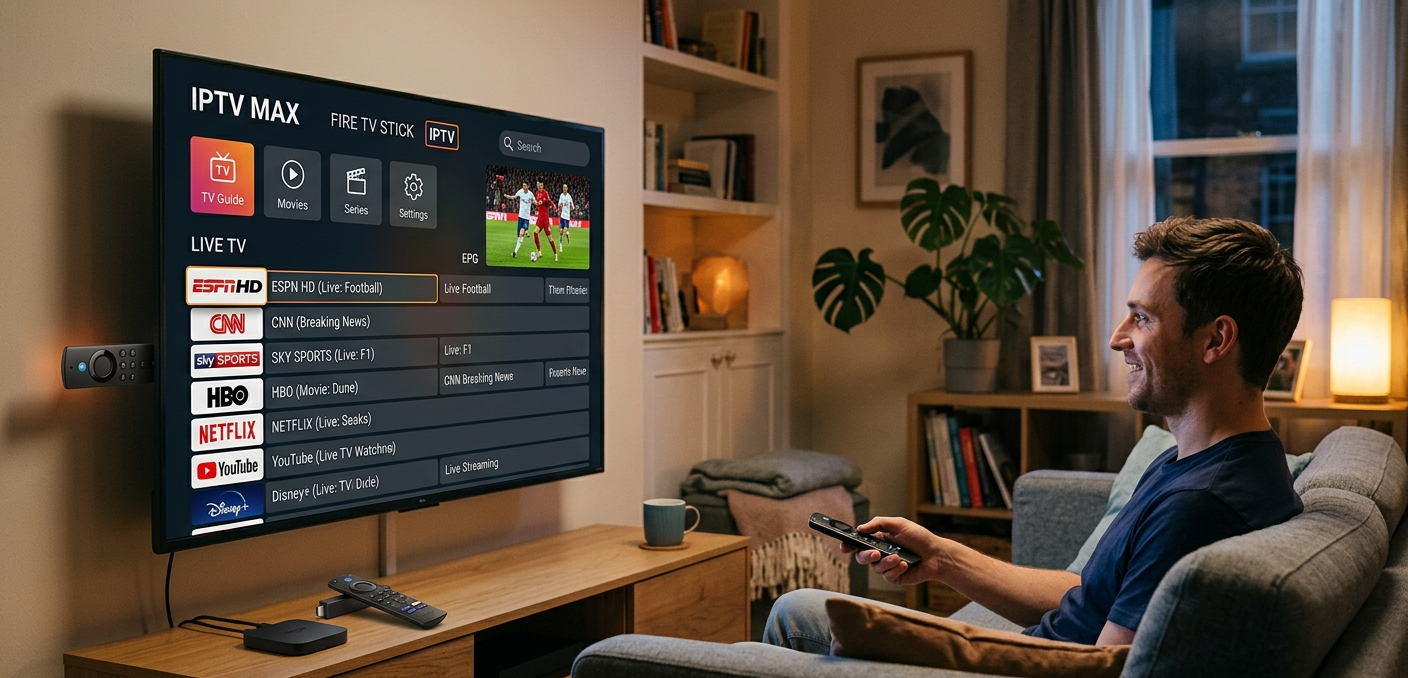
Amazon has done extraordinary distribution work. The device is available everywhere: supermarkets, electronics retailers, Amazon itself with next-day delivery. It costs between £30 and £55 depending on the model. It runs on a familiar interface that most households already understand from using Prime Video. And critically, it plugs into the HDMI port of any television made in the last decade without any configuration whatsoever.
For someone curious about IPTV who doesn’t want to commit to expensive hardware before they’ve even tested the service, Firestick is the obvious starting point. Which means the majority of new subscribers you’ll acquire in the UK market are going to arrive either already owning one or planning to buy one specifically for your service.
That’s a market reality you cannot ignore. Your customer acquisition process, your onboarding documentation, your support capability, all of it needs to be built around Firestick as the primary device, with everything else as secondary.
Pro Tip: Include a specific Firestick setup section in your onboarding message, separate from generic setup instructions. Cover the “Allow Apps from Unknown Sources” toggle location (it’s buried in My Fire TV > Developer Options), which app to download, and what credentials to enter. Customers who get set up without needing to contact you are customers who start their relationship with you feeling confident rather than frustrated.
The App Situation: What Actually Works in 2026
This is where things get genuinely technical, and where resellers who haven’t kept up with Amazon’s platform changes get caught out.
Amazon periodically removes or restricts IPTV applications from its official App Store, not always with much notice, and not always with clear reasoning. The result is that the app landscape for Firestick IPTV shifts more frequently than most resellers track. What was the standard recommendation eighteen months ago may now require a workaround, a sideload, or a replacement entirely.
As of 2026, the most reliable approach for Firestick IPTV customers is sideloading, installing applications from outside the Amazon App Store using the Downloader app, which Amazon does officially permit. IPTV Smarters Pro and TiviMate are the two applications most worth steering customers toward, each with their own strengths.
IPTV Smarters Pro handles Xtream Codes login natively, offers a clean multi-screen layout, and is familiar enough that customers who’ve used it on Android devices previously won’t need much guidance. TiviMate has a superior EPG interface and handles large channel lists more elegantly, but requires slightly more initial configuration and technically requires a paid premium licence for full functionality, worth mentioning to customers upfront to avoid confusion.
The sideloading process itself is where most customer confusion happens. It’s not complicated, but it involves enough steps, enabling developer options, using the Downloader app, navigating to a direct download URL, that customers who aren’t confident with technology stumble.
The Support Problems You’ll Face, and How to Pre-empt Them
In my experience, Firestick support issues cluster around five recurring problems. Know these in advance and you can either prevent them through better onboarding or resolve them in minutes rather than forty.
App not found / unable to download. Usually a regional App Store restriction or a DNS issue. Solution: use the Downloader sideload method rather than the App Store.
Streams loading but immediately buffering. Almost always a Wi-Fi issue rather than a provider problem. The Firestick’s internal Wi-Fi antenna is mediocre, particularly on older models. An ethernet adapter (roughly £8–£12, plugs into the Firestick’s micro-USB/USB-C port depending on generation) solves this permanently for the majority of affected customers.
App crashing on launch. Typically a storage or cache issue. Firesticks accumulate cached data surprisingly quickly, and clearing the IPTV app’s cache (Settings > Applications > Manage Installed Applications) resolves this in most cases.
EPG not loading or showing wrong times. Usually a timezone setting issue on the app rather than a provider EPG failure. Worth checking the app’s EPG timezone setting specifically.
Credentials not accepted. Occasionally a copy-paste error from a login message, Xtream Codes credentials are case-sensitive and customers sometimes inadvertently include a trailing space when copying. Worth checking before assuming a panel issue.
Pro Tip: Create a single-page Firestick troubleshooting guide, PDF or simple webpage, covering these five issues with clear screenshots. Send it with every activation to a Firestick customer. It costs you twenty minutes to create once and saves you hours of support time across your entire customer base. I’ve been using a version of this for two years and it’s the single most impactful support document I’ve ever produced.
Firestick Generations Matter More Than Most Resellers Realise
Not all Firesticks are equal, and the generation your customer is running affects both performance and the support approach you need to take.
The original Fire TV Stick and Fire TV Stick 3rd Generation run on modest hardware, 1GB RAM, a quad-core processor that struggles with the more demanding IPTV applications during peak load. TiviMate in particular can run sluggishly on these older devices, leading to customers reporting “slow” or “laggy” performance that isn’t actually a stream quality issue at all.
The Fire TV Stick 4K and 4K Max are meaningfully better, more RAM, improved Wi-Fi (the Max has Wi-Fi 6 support), and enough processing headroom to run any current IPTV application without strain. If a customer is buying new hardware specifically for IPTV, pointing them toward the 4K Max is worth doing even though it costs slightly more. The reduction in performance-related support queries justifies it.
The Fire TV Cube sits at the top of the range and is essentially overkill for IPTV purposes, though customers who already own one will have an excellent experience.
The relationship isn’t a precise formula, but it’s real: an older device paired with weak Wi-Fi produces a disproportionate volume of support contacts. Steering customers toward better hardware and wired connections reduces your support burden measurably.
Buffering on Firestick: Provider’s Fault or Device’s Fault?
This is the diagnostic question that every Firestick IPTV reseller gets wrong at some point, and getting it wrong either means blaming yourself for something your provider caused, or blaming your provider for something Amazon’s hardware caused.
The distinction matters because your response is completely different in each case.
Provider-side buffering affects multiple customers simultaneously. It correlates with specific content, live sport during peak hours, in particular. It occurs consistently on the same channels or stream categories. If three customers on different devices, different ISPs, different parts of the country all report buffering on the same stream at the same time, that’s your provider.
Device-side buffering is isolated. It affects one customer, often inconsistently, across multiple content types. It frequently improves or resolves entirely when the customer switches from Wi-Fi to ethernet. It may correlate with other heavy network usage in the household, someone else streaming 4K Netflix on the same router, for instance.
A simple triage question to ask any customer reporting buffering: “Does it happen on everything, or mainly on specific channels?” That single question tells you roughly 70% of what you need to know about where the fault lies.
Pro Tip: When a customer reports buffering, ask them to test the same stream on a different device, a phone on the same Wi-Fi, or a laptop, before you escalate to your provider. If the stream plays smoothly on the other device but buffers on the Firestick, the problem is local to their device or network. If it buffers on everything simultaneously, that’s your provider’s infrastructure. Never escalate without ruling out the customer-side variables first, it protects your credibility with your wholesale provider and gets the customer to the right fix faster.
Setting Customer Expectations Before They Plug It In
The single most underrated thing a UK IPTV reseller can do for their Firestick customer base is set expectations clearly before the device is even activated.
This means telling customers upfront: a wired ethernet connection will always outperform Wi-Fi for streaming. It means explaining that the 3pm Saturday blackout affects certain live domestic fixtures and isn’t a fault with their service. It means noting that the sideloading setup process takes ten to fifteen minutes the first time, and that this is normal, not a sign that something has gone wrong.
Customers who are prepared for the reality of Firestick IPTV have dramatically better first experiences than those who plug in expecting everything to work identically to a mainstream streaming service with no setup required. That expectation management directly translates to renewal rates.
Firestick vs MAG Box vs STBEmu: Knowing Which to Recommend
Different customers suit different hardware, and being able to advise confidently on this is a mark of a professional reseller rather than someone just selling credentials.
Firestick is right for customers who want something familiar, affordable, and easy to set up without technical confidence. It suits the majority of new subscribers.
MAG boxes suit customers who want a dedicated IPTV device with a purpose-built interface and no app management complexity. They’re plug-and-play in a way Firestick isn’t, though they cost more upfront (typically £60–£90). Older customers or those who’ve been burned by Firestick configuration issues often prefer them.
STBEmu is for the technically confident customer who already has an Android device and wants MAG box-style performance without the hardware cost. It emulates a set-top box environment and handles Xtream Codes connections cleanly, but the setup requires more comfort with the process.
For UK IPTV Panel resellers, britishseller.co.uk supports all three connection methods with the infrastructure stability to back them up, which matters enormously when you’re trying to keep customers on whatever device they’ve chosen rather than troubleshooting provider-side instability on top of device-specific complexity.
IPTV Reseller Success Checklist
- Build a Firestick-specific setup guide before you take on your first customer. Cover sideloading, app installation, credential entry, and the five most common issues. Send it with every activation. It pays for the twenty minutes it costs to create, indefinitely.
- Always recommend an ethernet adapter to customers reporting Wi-Fi buffering. It costs under £10, solves the majority of Firestick performance complaints permanently, and makes you look like someone who actually knows what they’re talking about.
- Know which Firestick generation your customer is running. Older models on resource-heavy apps will perform poorly regardless of stream quality. Knowing this in advance lets you set expectations and recommend app choices accordingly.
- Triage buffering complaints before escalating to your provider. Ask the right diagnostic questions first, isolate device-side from provider-side. Your credibility with both your customer and your wholesale provider depends on this competence.
- Steer new hardware buyers toward the Firestick 4K Max. The modest price difference delivers a meaningfully better experience and a measurably lower support contact rate. It’s an easy recommendation to make and one that benefits everyone involved.